Quick Overview of the Main Steps
The stages of building a website include planning and defining goals, picking a platform, designing pages, and going live. Here is the full sequence, condensed into steps you can follow one at a time.
Step 1: Define your website’s purpose and target audience. Write down what you want the site to do and who it serves. Step 2: Choose a domain name that matches your business. Step 3: Pick web hosting that fits your budget and expected traffic. Step 4: Select a website builder or content management system (or code from scratch if you have web development skills). Step 5: Plan your essential pages and site structure. Step 6: Design the layout using templates, themes, or wireframes. Step 7: Add content and core features like contact forms, an online store, blog, and images. Step 8: Optimize for mobile, speed, and basic SEO. Step 9: Test on different devices and browsers. Step 10: Launch your website and announce it. Step 11: Maintain, update, and improve over time.
I build small business websites, and this guide is written for small businesses, solo creators, and anyone who wants to create a great website without advanced coding. You do not need to know HTML or JavaScript to follow these steps, though coding remains an option for full control.
Why Create a Website in 2026?
Every serious project or business owner needs a website as a primary online presence. Social platforms change their algorithms, layouts, and terms without warning. A website you own stays under your control, and it is the one place on the internet where you set the rules.
Concrete examples make this clearer:
-
A local café needs a site showing menus, opening hours, location, and an online reservation option.
-
A freelance designer needs a portfolio with case studies, testimonials, and a contact page.
-
A small e-commerce brand needs an online store with secure payments, product pages, and trust signals like reviews.
Users in 2026 expect pages to load fast, work on every screen size, and display current information. Many of them browse on a phone. A website gives you reach to customers around the world, 24/7 availability, and measurable performance through analytics, and a site lets you reach a global audience that a shop window never could. Social media alone cannot replicate that.

Clarify Purpose, Goals, and Target Audience
A clear project plan is essential for website development. Planning before you buy hosting or pick colors prevents costly rework later.
-
Define your website’s purpose. Common types: lead-generation site for services, informational site, personal blog, portfolio, or full online store. Each type demands different pages, features, and layouts.
-
Set two or three measurable business goals. Examples: “Get 30 contact form inquiries per month by Q2 2027” or “Sell 50 units a month through the shop.” Without numbers, you cannot measure progress, and with them you get a clear understanding of what the site must do.
-
Research your target audience. Study demographics, devices they use, and what problems they want solved. Identifying the target audience is critical for effective website planning; a site built for busy parents on smartphones looks different from one targeting B2B buyers on desktop.
-
Map audience scenarios to design choices. If your customers browse on phones during commutes, navigation must be simple, text short, and buttons large. If they research on desktop, longer content and detailed submenus make sense. These decisions shape your content strategy and key elements before a single page is designed.
Choose Domain Name and Web Hosting
A domain name is the address people type into a browser (like mybusiness.com). Web hosting stores your website files on a secure server and delivers them to visitors. They are two separate purchases.
-
Pick a domain name that is easy to remember and spell. Your website name and domain name should match your business name. Keep it short, avoid hyphens, and use .com if available. Renew your domain name every year, or set it to renew automatically, so you never lose it.
-
Shared hosting suits small businesses just starting out. It is the cheapest option, but several sites share one server, so it can be less secure and slower than other plans.
-
VPS, cloud, or dedicated server hosting gives more resources and suits high-traffic web sites.
-
Managed WordPress hosting includes WordPress-specific security, speed tuning, and support.
-
Selection criteria: look for a strong uptime record, round-the-clock support, included SSL certificates, automatic backups, and room to scale. Choosing a hosting plan depends on expected traffic and features you need. A reliable web host helps keep your site accessible online.
-
Many website builder platforms bundle hosting into their subscription, removing the need to manage a separate server.
Select a Website Builder, CMS, or Code-Based Approach
Website development requires selecting the right technology. Your choice here affects flexibility, ongoing cost, and how much you need to learn.
-
Website builders (Wix, Squarespace, Mobirise and others) offer drag-and-drop functionality for easy design. Most website builders provide pre-designed templates for users, and WYSIWYG editors allow live editing of website changes. Mobirise lists over 200 site blocks in its basic theme. Website builders provide pre-designed templates for customization, so you can launch in days rather than weeks.
-
CMS platforms like WordPress give you a balance of ease and power. WordPress is the most popular CMS worldwide. A CMS allows users to manage website content easily through a content management application and a content delivery application. Plugins extend functionality to blogs, online stores, booking systems, and more.
-
Custom coding with HTML, CSS, and JavaScript offers ultimate control, but it requires web development skills and takes longer to create and update. This path suits developers or teams with technical depth.
Before choosing, list your must-have essential features: blog, contact forms, booking, e-commerce, multi-language support. Check that the platform handles them. Prioritize responsive templates and themes so your own site is mobile friendly without extra effort.
Plan Site Structure, Essential Pages, and Content Strategy
Think of this step as drawing a floor plan before building a house. Website structure should include a sitemap and the core pages so visitors find what they need in one or two clicks. Creating a sitemap helps organize website navigation and content.
-
Essential pages for most business sites: Home, About, Services or Products, Online Store (if selling), Blog or Resources, and Contact.
-
What each page does: The Home page summarizes your value proposition with key elements above the fold (headline, sub-headline, primary CTA). The About page builds trust with your story and credentials. The contact page should feature a form, phone number, email, and location map. Product or services pages detail features, benefits, and pricing.
-
Navigation should group related pages under logical headings. Avoid burying information more than two levels deep.
-
Content strategy: Define core topics, set a publishing frequency for blog posts (e.g. one blog post per week), and align each page with your business goals. Brief keyword research using free tools helps you pick topics your target audience actually searches for.
Design and Layout: Turning Structure into a Visual Website
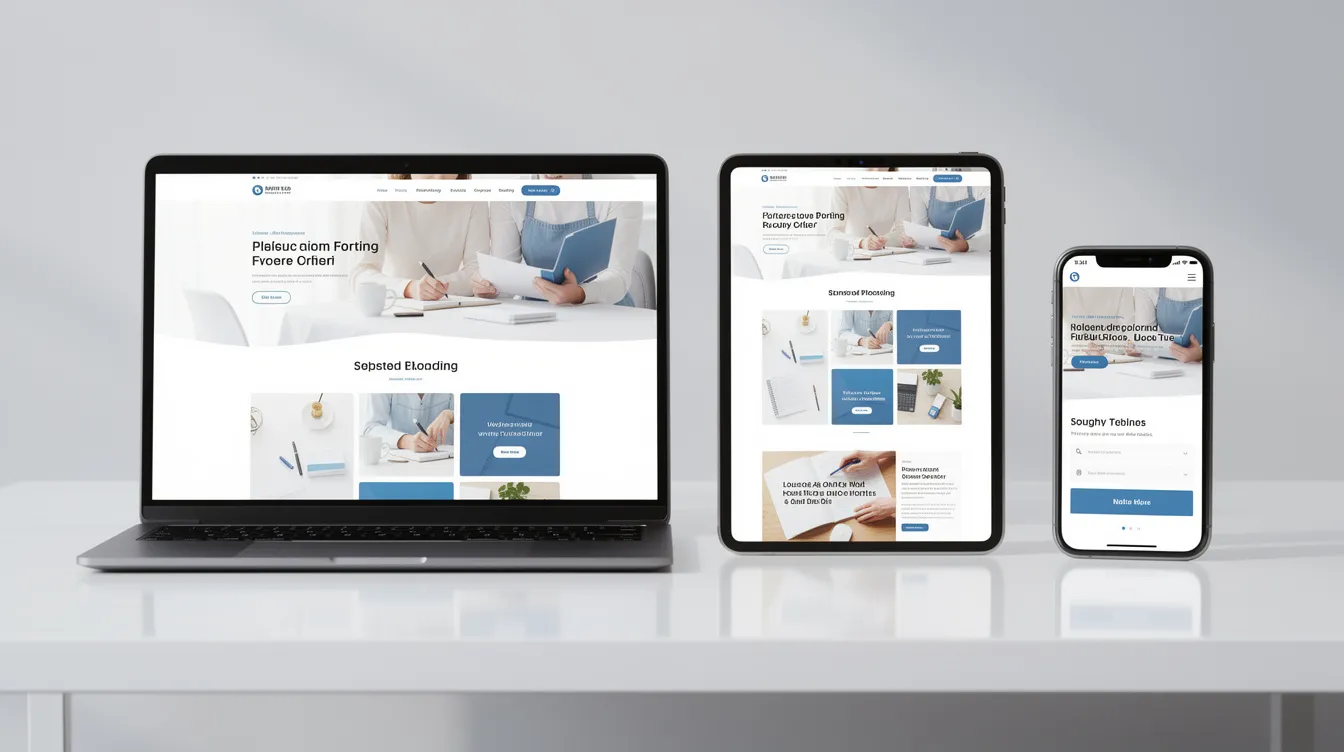
Design should prioritize clarity and usability. Visual design includes choosing colors and typography that fit your brand. Wireframing helps in creating layouts that enhance user experience before you commit to final visuals.
-
Pick a clean theme or one of the templates matching your brand tone, so you create a consistent look and keep the focus on your content. Customizing colors and fonts enhances website design; stick to 2-4 brand colors and readable font families with body text at 16px or larger.
-
Layout best practices: clear header with navigation, prominent call-to-action buttons (“Book a Call,” “Shop Now”), scannable sections with headings and short paragraphs. Make the site visually appealing without cluttering it.
-
Accessibility basics: keep at least a 4.5:1 contrast ratio for text, add alt text to all images, and size touch targets large enough for mobile screens. Many web sites still fail these basic checks, so getting them right puts you ahead.
Example: A café’s hero section could read: Headline: “Fresh, locally roasted coffee delivered weekly.” Sub-headline: “Single origins or blends, shipped to your door.” CTA: “Order Today.” Supporting image: a high-quality photo of coffee being poured.
Add Content and Core Features
Content and functionality make a website useful; design is only the frame. Content creation should optimize for both visitor information and search engines.
-
Write benefit-focused copy. Use “you”-centered language, avoid internal jargon, and address problems your customers actually have. Each webpage should answer a question or solve a problem.
-
Images and video: Use original or licensed photos, keep visual style consistent, and compress files (WebP format, TinyPNG or similar) to protect your website’s performance. Only add video where it adds clear value.
-
Contact forms: Keep fields minimal (name, email, message) to reduce friction. Add spam protection (CAPTCHA or honeypot). Confirm that form submissions reach a monitored email address.
-
Online store features: Product pages need multiple photos, detailed descriptions, pricing, stock status, and clear “Add to Cart” buttons. A simplified checkout process reduces abandoned carts.
-
Other essentials for 2026: Use Google Analytics to monitor website performance from day one. Add social media links, and include legal pages (privacy policy, cookie notice) depending on your jurisdiction.
Optimize for Mobile, Speed, and Basic SEO
Responsive design adjusts layout based on screen size automatically, and with most traffic in the world now on phones, this is a baseline requirement, not a bonus.
-
Test on different devices and screen sizes. Adjust fonts, buttons, and spacing until the site is user friendly on phones, tablets, and desktops.
-
Page speed: Compress images, limit plugins, enable caching, and pick a performant hosting provider. Aim for load times under 2-3 seconds on mobile.
-
On-page SEO: SEO helps websites rank higher in search engine results. Using descriptive titles and optimized images is important for SEO. Write meaningful page titles, meta descriptions, and use a heading hierarchy (H1, H2, H3). SEO involves keyword research and optimizing website content with relevant keywords placed naturally. Implementing SEO best practices improves website visibility across search engines.
-
Descriptive URLs and internal links: Use paths like /services/web-design instead of /page?id=123. Link related pages to each other. SEO also includes building backlinks from other websites over time.
-
Testing: Browser dev tools simulate mobile devices for users on phones. Free speed checkers like Google PageSpeed Insights flag performance issues.
Test Thoroughly and Launch Your Website
Testing prevents visitors from hitting broken links or confusing layouts on launch day. A pre-launch checklist ensures everything is ready for your website.
-
Pre-launch checklist: Verify every navigation link works (no 404 errors). Test all contact forms. Click every button. Proofread all text for typos and grammar.
-
Cross-browser and device testing: Testing your website on different devices is essential before launch. Check recent versions of Chrome, Safari, Firefox, and Edge. Test on phones, tablets, and desktops.
-
Technical checks: Confirm SSL is active (the address starts with https). Verify that your domain points correctly to your hosting provider’s server. Ensure main pages are indexable by search engines via proper robots.txt settings.
-
Launch: Website deployment involves making the site available to the public. Launch your website by uploading files to your web hosting server and publishing. Announce your website launch through social media and newsletters. Add the URL to email signatures and, for offline businesses, to printed materials.
Launch day is the beginning of ongoing improvement, not the final step.

Maintain, Update, and Improve Over Time
A website is a living asset. Ongoing maintenance is needed to keep a website secure and performant, and the process of improvement never fully stops.
-
Routine maintenance: Update plugins, themes, or builder versions at least monthly. Patching plugins is essential for maintaining website security. Schedule automated backups (daily or weekly). Regular maintenance is crucial for fixing bugs and issues before visitors notice them. Regular updates improve security and performance across the board.
-
Fresh content: Regularly updating content keeps your website engaging and relevant. Add new blog posts, case studies, and testimonials. Remove outdated promotions. Updating content regularly can help search engine rankings when the updates are useful; Google says adding content only to make a site seem fresh will not.
-
Performance monitoring: Regular updates and performance monitoring can enhance website effectiveness. Track traffic, conversion rates, and popular pages using Google Analytics. Compare month over month. Identify where visitors drop off and adjust layout or copy.
-
Usability reviews: Ask real users (customers, friends) to complete tasks on your site: find a product, submit the contact form, navigate to the blog. Watch where they get stuck. Adjust navigation or wording based on what you observe.
Each update, each new blog post, each small fix compounds into a site that works harder for your business. The first website is the hardest to build. Every project after it goes faster because you already know the process. Start with step one: define your purpose and audience, and the rest follows.
When to Get Help Building Your Site
You can follow every step above on your own. If you would rather focus on your business, I build small business sites by email, from plan to launch. See what a site needs for florists or moving companies, check my pricing, or write to me through the contact page.