A Simple Way to Create Salon Website Pages That Bring Bookings
Your next client is searching for a salon right now. If they can’t find you, see your work and book an appointment in under a minute, they will book with someone else. A well-built salon website handles all three jobs, discovery, trust and booking, around the clock.
Most salon owners know they need a website. But many attempts run into the same walls: templates that feel generic, booking tools that don’t connect, price pages that look awkward, or a build process so technical it seems to demand a web designer. The result is an abandoned draft, a bare page nobody visits, or a return to Instagram DMs and hope.
The gap is real. In my count of 6,000 Google Maps listings for nail salons, barber shops and bakeries in 20 US cities, 34.6% had no website of their own. For a hair salon or a beauty salon in a busy area, a clear site is one of the easiest ways to win new clients from competitors who never built one.
This guide walks you through every step, from planning your pages to publishing a live, bookable salon site. You will learn which pages to build, what to put on each, how to connect online booking and how to make sure local clients can find you on Google Search.
A solo chair and a multi-stylist beauty salon need the same foundation: a clear plan, the right platform and a good salon website with a sharp service menu, real client testimonials, a mobile-friendly design and the kind of Google visibility that can bring new clients through your door.
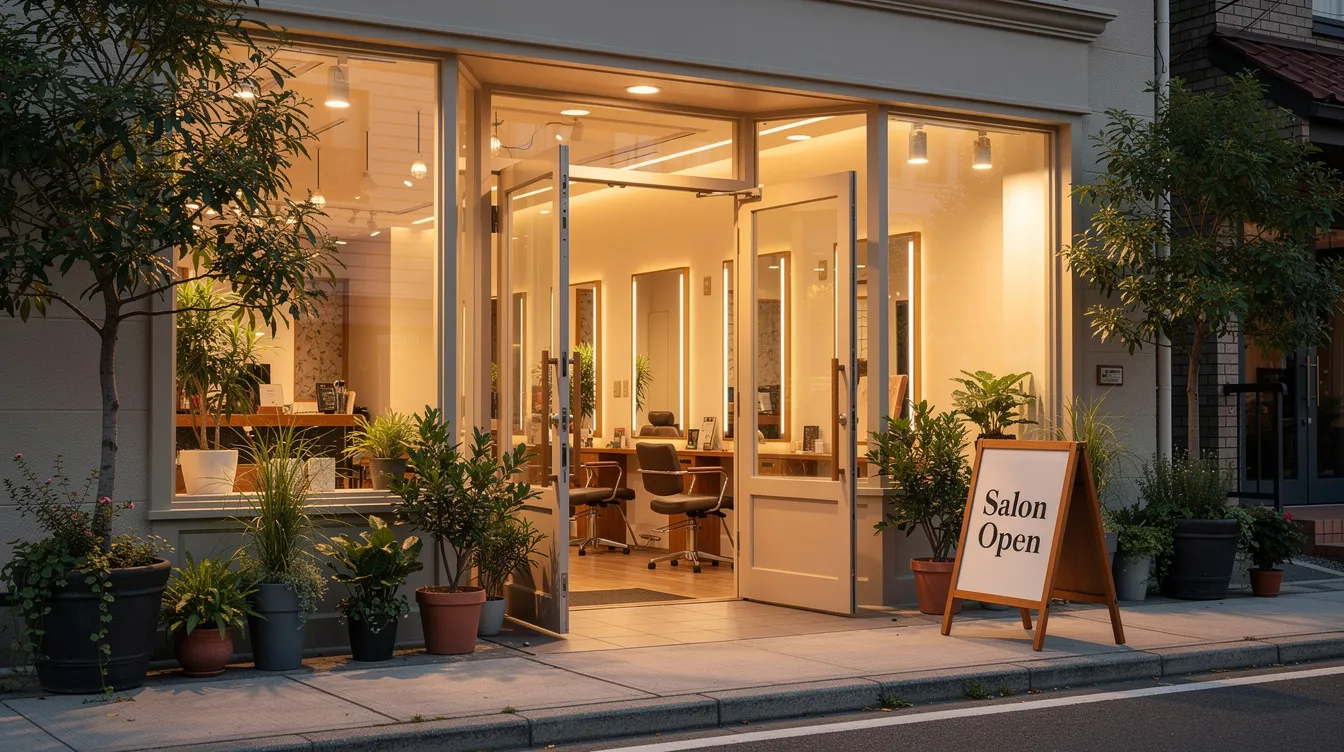
Why a Salon Website Works Better Than Just Instagram
Instagram is great for inspiration, but it is a rented platform. The algorithm decides who sees your posts, your DMs turn into a customer service inbox, and prospective clients can’t check your prices, read your policies or book appointments at 11 p.m. on a Tuesday unless you are online.
A dedicated salon website works differently. It is your home base: always on, always accessible and fully under your control. Social channels, booking apps and your Google Business Profile all point to it, so visitors can view services, compare options and click “Book Now” without sending a message.
A website moves your beauty business from reactive to proactive. Instead of answering the same five questions in DMs every day, your site answers them for good. Instead of hoping the algorithm favors your latest reel, your site can show up in local searches when someone types “balayage salon near me.”
Core Benefits of a Dedicated Salon Website
First impression and credibility
A branded homepage with real photos, a clear service menu and visible prices makes your salon look established and trustworthy in a way a social profile alone cannot. Every design choice, from colors to fonts, supports your salon’s style and builds a professional online presence.
A booking and information hub that never closes
Your site holds hours, location, policies, FAQs and booking links, so potential clients never have to message you or wait for a callback. Clients book appointments directly from your salon website at any hour, which cuts your admin work.
A place in search engines
A salon website with the right structure can show up for searches like “best hair salon in Brooklyn” instead of getting buried in social feeds. Search engine optimization helps potential customers discover your salon.
Better-prepared clients
When visitors can view services, read detailed descriptions and see starting prices before booking, they arrive informed, which means fewer surprises in the chair.
Room for an online store later
Start with your menu and booking today, then add an online store, memberships, gift cards or beauty products later without rebuilding from scratch. Over time the site becomes a powerful marketing tool for promotions and gift cards.
How Creating a Salon Website Works
Building a salon website that turns visitors into bookings is not complicated, but it needs to happen in the right order. The process has three phases: planning your structure and content, building the site on a platform that fits your needs, and tuning it so nearby clients can find you and book.
Here is how each step works.
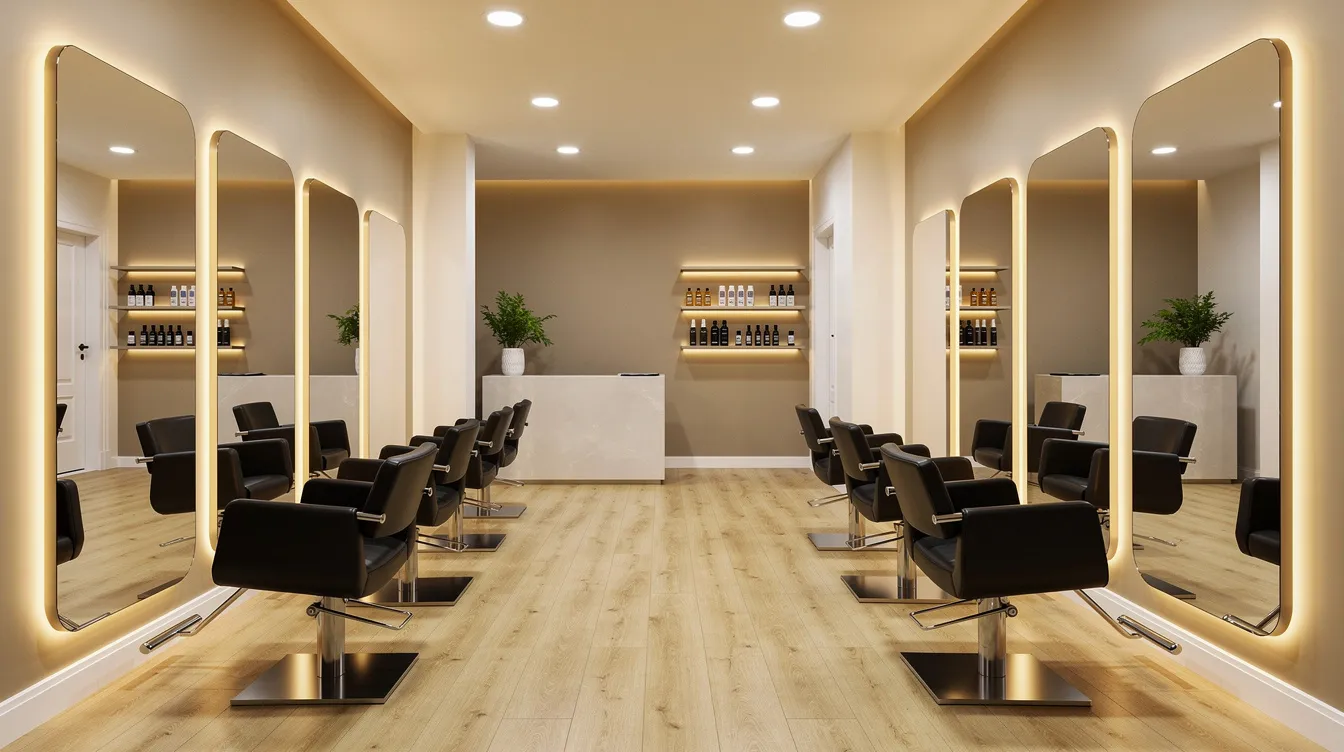
Step 1: Plan the Structure and Content First
An hour or two of planning before you open any website builder prevents a common mistake: a cluttered site that looks pretty but doesn’t bring bookings. A good structure has sections for services, about and testimonials, and the details matter.
Include essential pages like these:
-
Home: your storefront, with links to Services, Gallery, About and Booking.
-
Services and Pricing: grouped by category, with descriptions and starting prices.
-
About and Team: your salon’s story, staff profiles and certifications.
-
Gallery: before-and-after shots, workspace photos and finished styles.
-
Booking and Policies: an embedded calendar or booking link, cancellation rules and deposit details.
-
Contact and Location: address, map, phone, hours and parking notes.
-
Blog or Updates (optional): beauty tips, seasonal trends and announcements.
Create a simple text sitemap to show how these pages connect. Home links to every section, Services links straight to Booking, and Contact appears in the header and footer of every page.
Before you build a salon website, gather the key information you will need: opening hours, full address with parking details, phone number, email, social links, cancellation policy, service categories with prices and durations, and a good set of photos of your workspace, staff and finished work. Having this ready makes the build smooth and focused.
Step 2: Choose the Right Platform for Your Hair Salon Website
Most owners do well with a no-code website builder or a booking platform rather than custom code. The right platform depends on where you are in your business.
Here is what to evaluate:
Built-in online booking or an easy connection to it
Can clients book appointments without leaving your site?
Mobile-friendly salon templates
Does the platform offer layouts designed for beauty businesses?
Simple drag-and-drop editing
Can you update prices, photos and hours without calling someone?
Fair pricing
A 2026 small business website cost guide lists website builder plans at roughly $15 to $60 per month plus add-ons. Booking, payments or a custom domain are often only available on a paid plan.
Route 1: All-in-one booking platforms. Booking apps combine scheduling, reminders and a basic booking page, so they work as an all in one solution for getting started quickly. Two examples: Fresha lists a calendar, appointment scheduling and email reminders in its plans, and Setmore has a free plan for up to four users with a booking page of its own.
Route 2: General site builders with booking connections. This is the usual route for a hair salon website with a strong brand. Builders such as Wix or GoDaddy, or a WordPress site, give you more design freedom and room for content. They are the stronger choice when visual branding, blogging or several locations matter, and most of them offer an integration that connects your booking app.
How to match the platform to your situation: If you are a solo stylist or booth renter, put speed and low cost first. A free salon website builder or a free plan with booking gets you live fast. If you manage several chairs, you need staff scheduling, deposits and capacity management on a paid plan. If you run a specialized studio, visual design and portfolio flexibility should guide your choice.
Step 3: Secure a Memorable Domain Name
A domain is the address of your own website. Owning one (like yoursalonname.com) separates a professional salon site from a free subdomain that looks temporary. A custom domain also helps clients and search engines connect your site with your brand.
Choose a domain that:
-
Is short and easy to spell over the phone.
-
Includes your salon name.
-
Optionally includes your city or neighborhood.
Good examples for a made-up Austin salon:
-
Good: luxehairstudioaustin.com
-
Good: luxehairstudio.com
-
Avoid: best-hair-cuts-and-color-in-austin-tx-2026.com
-
Avoid: luxe_hair.studio.site
Stick with .com when you can. Extensions like .salon, .hair or .spa work if your preferred .com is taken, but .com remains the most recognized. Many website builder plans include a free domain for the first year. A 2026 web design cost breakdown puts a domain at about $10 to $20 a year after that.
Step 4: Pick a Salon Website Template or an AI Starter Layout
Starting from salon templates saves hours. They come with service sections, booking buttons, gallery layouts and other useful features that match how beauty businesses work. Look for beautiful presentation and easy appointment booking.
What to look for in a template:
-
A large hero image area with room for a clear “Book Now” button.
-
A clean navigation menu with five to seven items at most.
-
Ready sections for the menu, gallery and testimonials.
-
Typography that looks modern and reads well on a phone.
If your platform offers an AI website builder, try it. Describe your salon, its treatments, mood, location and specialties, and let the AI website builder draft a first version. The goal isn’t perfection on the first pass. It is picking a layout close to your ideal, so you spend time on content instead of rebuilding the structure.
Step 5: Build Your Core Salon Pages
These pages do the heavy lifting. Each one has a specific job: convince, inform or convert. Here is what goes on each.
Home Page: Make It Clear Why Clients Should Book You
Your homepage has a few seconds to answer three questions: What do you do? Where are you? How do I book?
-
Hero section: salon name, a one-sentence statement for your hair salon website (who you serve, what you specialize in, where you are) and a bold “Book Now” button.
-
Service highlights: three to six of your most popular treatments with short descriptions. A hair salon might lead with balayage and cuts, while a nail studio leads with gel nails.
-
A beauty website for a lash, brow or nail studio follows the same layout, with the specialty treatment in the first screen.
-
Social proof strip: a few real client testimonials or star-rating snippets from Google or Yelp, which answer the quiet question: “Is this place actually good?”
-
Location snapshot: hours, neighborhood and a small map preview, so people know at once if you are nearby and open.
Service Pages and Pricing: A Clear Service Menu That Reduces Confusion
Listing services by category helps clients find their way. This service menu page should use headings and lists, not long paragraphs, so potential clients can skim.
-
Group by category: cuts and styling, color, nails, brows and lashes, skincare.
-
For each treatment include: name, a short description, duration and price, so clients know exactly what to expect.
-
Use “from” prices for services that vary, such as color corrections or extensions, and explain that a consultation sets the final price.
-
Describe each treatment so it stands apart, instead of listing names and numbers only.
-
End with a clear button: “Book This Service” or “View Availability” at the bottom of each category.
About and Team Page: Build Trust Before They Sit in Your Chair
In the beauty industry, clients aren’t just buying a service. They are trusting a person. This page tells your salon’s story and introduces the people behind the chairs.
-
Share how the salon started, what drives your approach and what clients can expect.
-
Give each stylist their own page or profile with a friendly headshot, specialties, years of experience, certifications and languages spoken.
-
Mention real awards, press features or professional memberships to show expertise.
Gallery Page: Show, Don’t Just Tell
This page should be image-first with very little text. On a hair salon website, the gallery deserves a place right next to pricing, because it helps clients judge your work faster than any paragraph.
-
A good salon gallery sorts photos into categories, such as color, cuts, nails, bridal and makeup, so visitors can jump to what matters to them.
-
Show real before-and-after transformations with short captions about the service.
-
Use consistent lighting and clean backgrounds. Real photos show your salon’s style far better than stock images.
Booking and Policies Page: Make Appointments Easy
This page has one job: get the appointment booked. A good salon booking page is short, clear and user friendly.
-
Booking options: an embedded booking calendar, a “Book Now” button that opens your booking app, or a request form. Online booking with deposits protects your time.
-
Policies: cancellations, deposits, lateness, no-show fees and patch tests. Deposits and automated text reminders help cut no-shows.
-
Use friendly but firm language. Clear policies reduce friction, not bookings.
Contact and Location Page: Nobody Should Hunt for Directions
-
Phone number with click-to-call (easy to forget).
-
Email address for general questions.
-
Full address with an embedded Google Maps view.
-
Business hours in a clear format.
-
Parking and transit notes: the nearest stop, street parking rules and accessibility details.
-
A short contact form for questions and collaborations.
Complete location details keep potential customers from leaving because they couldn’t find you, and they can also support your Google rank.
What Makes a Salon Website Bring Bookings
Many salon websites are online brochures: they look fine but don’t drive bookings. The difference between a brochure and a booking engine comes down to design choices, mobile performance and trust signals placed where visitors need them.
Design Choices That Bring Bookings
-
An always-visible “Book Now” button in the header on desktop and a sticky button on mobile. If the button disappears when someone scrolls, you lose bookings.
-
Five to seven menu items at most, so visitors aren’t overwhelmed.
-
A button at the end of each major section, after the menu, gallery and testimonials, so every scroll leads toward booking.
-
Readable fonts, strong color contrast and plenty of white space for a calm, premium feel that matches the salon experience.
A Mobile Experience That Matches How Clients Book
Many clients browse salon websites on their phones, so a mobile-friendly design is not optional. Create every page for the phone first, then check the website on a laptop.
Mobile checklist:
-
Pages load fast (compress images and limit heavy scripts).
-
Buttons are big enough to tap without zooming.
-
Text is readable without pinching.
-
The whole booking flow, from Google search to confirmation, works smoothly on a phone.
Test your site on your own phone before publishing, and create a test booking to see the whole flow. If you struggle to book your own appointment, so will your clients.
Trust Signals That Turn Browsers Into Bookings
Trust elements should appear across the site, not only on a reviews page.
-
Add star ratings and short real review quotes on the homepage and service pages.
-
Mention real press features, local awards or professional associations.
-
Include hygiene standards where relevant, because clients notice.
-
Honest, positive reviews can help your place on Google Maps and influence booking decisions.
What to Expect After Launch
A well-built salon website changes how clients reach you. Questions you used to answer in DMs move to the service pages, bookings arrive outside your working hours, and deposits plus reminders help reduce gaps in your schedule. Results depend on your location, your reviews and how well the site is set up, so measure instead of guessing.
Key Numbers and Engaging Content After Launch
Track these monthly to see what works:
-
Total website visits: is traffic from local searches growing?
-
Clicks on “Book Now”: how many visitors start the booking process?
-
No-show and cancellation rate: are deposits and reminders working?
-
Average ticket value: do clients add treatments now that they can see the full menu?
-
Traffic sources: do visitors come from Google Search, social media or referrals?
Use free tools like Google Analytics and your booking platform’s reports. Make one small change at a time, such as clearer photos, sharper headlines or more engaging content, and watch the effect before changing something else.
Who Should Create a Salon Website Now and What to Prioritize
The right approach depends on your setup. Here is advice for each type of salon business, from a single chair to a full hair salon.
Solo Stylists and Booth Renters
Start lean: three or four core pages plus a direct booking link. Your priorities are a clear personal brand, a strong gallery, simple pricing and easy online booking. You can easily create this on a free plan or an entry-level builder. Launch fast and refine later, so you start showing up in search results while clients are searching.
A Growing Hair Salon With Several Chairs or Services
You need a solid structure: a page or profile for each team member, service pages by category, staff booking and policies that reduce no-shows. Plan for memberships, service bundles and events. Allowing clients to choose a specific stylist when they book reduces confusion and builds loyalty. Look for platforms that handle several calendars at once.
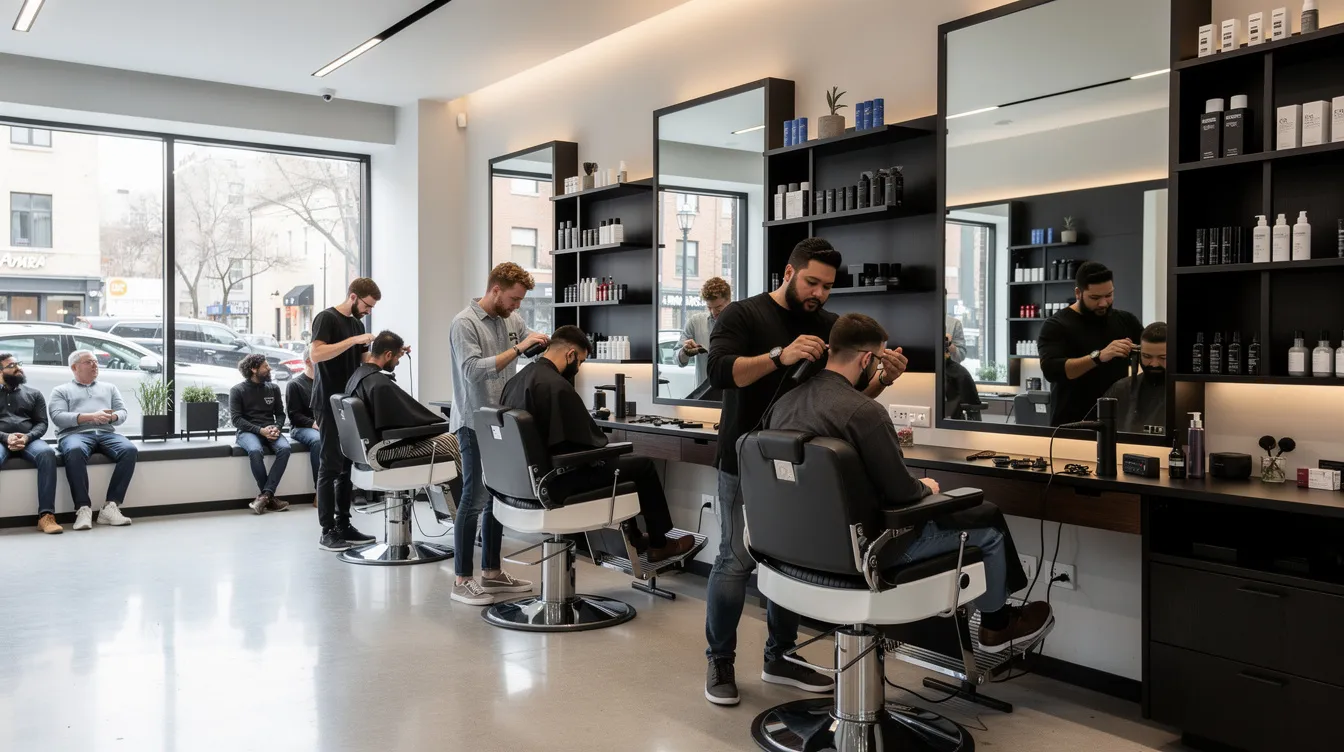
Specialized Studios (Lashes, Nails, Skin, Barber, Bridal)
Your site should show your niche expertise in every section, because a unique online presence is what makes a specialist easy to remember. Build dedicated service sections around your specialty, such as bridal packages, men’s grooming or lash extension tiers. Your gallery matters more than anyone else’s, so invest in showing long-term results. If you sell beauty products, choose a platform that supports an online store alongside booking.
What a Salon Website Really Costs a Small Business
Building the site on your own costs much less in cash than hiring a web designer or agency, but it costs your time. Here are the real costs:
-
Domain name: about $10 to $20 a year, according to the 2026 web design cost breakdown, and some plans include a free domain for the first year.
-
Website builder subscription: roughly $15 to $60 per month plus add-ons, according to the small business website cost guide, with booking and staff features usually on the higher tiers.
-
Photography: a professional session costs more than phone photos, but well-lit smartphone photos work for launch.
-
Ongoing costs: domain renewal, SSL (usually included) and occasional content updates.
Hiring a professional costs more upfront, but a good one gives you a structure planned for Google and booking from day one, and you keep the time for clients. If you want to compare both routes, my pricing page lists what I include in each package, and my industry pages show how I plan sites for other small business owners, such as my notes for gyms, which share a lot with beauty studios: booking, packages and trainer profiles. I build custom sites by email and link the booking app you already use; I do not work inside website builders, and I do not sell an online store or a booking system. Questions about your own plan are welcome: send me a note by email.
Essential vs. Nice-to-Have Investments
Essentials (launch with these):
-
A custom domain name.
-
A website builder plan that supports booking or integrates easily with your booking app.
-
At least one set of good photos of your space, team and work.
-
Written service descriptions, prices and policies.
Nice to have (add when the budget allows):
-
A professional copywriter for polished page text.
-
A brand designer for your logo and color palette.
-
Email tools to bring clients back.
-
Paid local ads for more visibility in your first months.
A free salon website builder covers the first days, a paid plan adds your own domain and booking. If you just opened, invest in the essentials and grow your client base step by step. Established salons should put professional photography and search engine optimization first to attract more clients from local search results.
How to Help Local Clients Find Your Salon
Google Maps is where many new clients find a salon, so give it a short plan of its own:
-
Use your city or neighborhood naturally in page titles, headings and descriptions, for example “balayage specialist in Williamsburg.” Relevant keywords help search engines understand where you work.
-
Claim your Google Business Profile and keep your name, address and phone the same on every business listing and directory.
-
Connect your booking app to your profile where possible, so clients can book from Google Search and Maps.
-
Ask happy clients to leave reviews that mention the service and your city.
-
Publish a short blog post with beauty tips once a month to keep clients engaged and give search engines relevant information about your salon.
Next Steps for Your Salon Website
You now have everything you need to plan a salon website that works as a booking desk that never closes.
Here is your launch checklist:
-
Plan your pages and sitemap.
-
Pick a website builder that fits your budget and salon type, or hire help.
-
Secure a custom domain name.
-
Choose a salon template or a starter layout from an AI tool.
-
Gather your photos, service descriptions, prices and policies.
-
Build your core pages: Home, Services, About, Gallery, Booking, Contact.
-
Connect your online booking system.
-
Test the full experience on a phone.
-
Publish and link your site to your Google Business Profile and social channels.
Once it is live, the website helps new clients find you, trust you and book appointments while you focus on the work you love.