This guide is not a tutorial on website building from scratch or on website creation with a free tool. If you are searching for low cost web design, you most likely want a professional looking website without paying agency prices. The goal is a site that looks credible, loads fast and turns visitors into calls, bookings or purchases. People type low cost website design, low cost website designing or cheap affordable web design into Google, but they all want the same result.
For a sense of scale, a 2026 web design cost breakdown prices template customization by a freelancer at $500 to $1,500, custom design by a freelancer at $1,500 to $5,000 and a small agency at $5,000 to $15,000. A template you fill in on your own runs $0 to $300 in the same breakdown.
Design quality matters at every price point. A site with a consistent color palette, clean typography and simple layouts with clear calls to action usually performs better than a cluttered page, whatever the budget, and a professional online presence starts with a site that looks cared for. I build sites for small businesses, and I compare seven routes to low cost web design below on price, quality, speed and long-term value so you can pick the right fit.
How to Compare the Low Cost Web Design Options
Small business owners can use several routes to get a site on a budget: studios with packages, freelancers, guided setups, one-page builds, store bundles and subscriptions. Skip ultra-cheap gigs that promise a full site in a day with no support, because they can fail on quality and reliability.
Here are the criteria to use for each option:
-
Total setup cost: A build fee that a small business can pay from cash flow, plus clear ongoing costs for web hosting, domain renewal and maintenance.
-
Design quality: Modern layouts, responsive design across devices, accessibility basics (color contrast, alt text) and fast pages, which matter for user experience and search.
-
Speed to launch: A few weeks for a typical 5 to 7 page site, with faster options for simpler builds.
-
Ease of updating content: Whether the client can edit pages through a CMS, a drag and drop editor or a page builder without calling a developer.
-
Included features: Contact forms, basic SEO setup (titles, meta descriptions, image compression), Google Analytics, a free SSL certificate and backups.
-
Support: Response times, the number of revision rounds and whether customer support is included or billed by the hour.
-
Scalability: The ability to add e commerce, bookings, a blog post section or more pages later without a full rebuild.
-
Transparent pricing: Fixed quotes with a clear scope and no hidden fees or surprise upsells mid-project.
Budgeting for hosting and a custom domain is part of any low-cost website, so count yearly running costs in every comparison. Compare every route with a plain website builder on a free plan too, because that is the baseline most owners start from.
Top 7 Low Cost Web Design Solutions for Small Businesses
Rather than listing only site builders, this section compares real ways to get a website built on a budget: template packages, niche specialists, freelancers on low-cost tools, guided setups, one page websites, store bundles and subscriptions. The comparison assumes a small business site of up to 10 pages without complex custom features.
1. Template-Based Small Business Web Design Packages
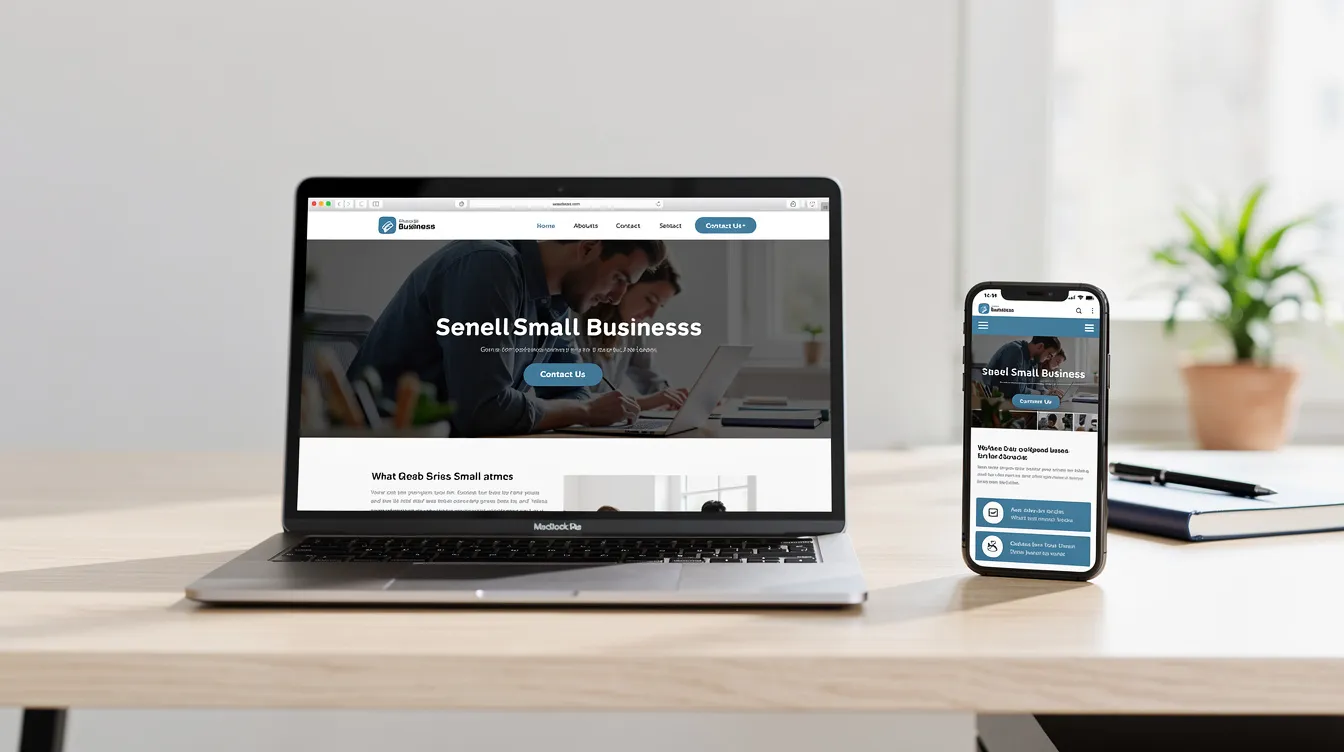
Template packages are the workhorse of low cost web design. A studio keeps a library of tested layouts, often built on WordPress, and customizes one for your business. You pick a template, send your content and branding, and the team delivers a finished site within a fixed scope.
This model works because well-built templates already solve type sizes and mobile stacking. The designer spends time on your content, colors and images instead of coding from zero. Clean templates and a strong visual hierarchy reduce the need for custom features, which is what keeps the price low.
Why It Stands Out
Reusing a library of customizable templates keeps build hours predictable. A designer who has launched many sites from the same framework can set up yours faster than someone starting from a blank canvas. The web design cost breakdown puts this kind of template customization at $500 to $1,500 with delivery in 1 to 2 weeks.
Best For
-
Local service providers: plumbers, electricians, cleaners, photographers.
-
Solo professionals: consultants, coaches, therapists.
-
Restaurants and cafés that need menus, a map and reservation links.
-
Trades and home services that need quote request forms.
Key Strengths
-
Predictable pricing with clear inclusions (number of pages, revision rounds, a map).
-
Layouts already tested on common goals: phone calls, booking requests, quote forms.
-
Basic on-page SEO is usually included (page titles, meta descriptions, heading structure, image compression). SEO basics belong in the build from day one.
-
Many providers bundle a custom domain, web hosting services and SSL into one monthly fee.
-
Less decision fatigue: you choose from a short list of proven layouts.
Possible Limitations
-
Layout flexibility is limited; structural changes beyond the template grid often cost extra.
-
Your website’s design may look like other business sites unless you use your own photos and colors. Good photography lifts even an inexpensive website.
-
Feature scope is capped. Custom apps, advanced integrations or unlimited storage are rarely included at this level.
2. Niche “Low Cost Web Design” Specialists (Restaurants, Salons, Coaches)
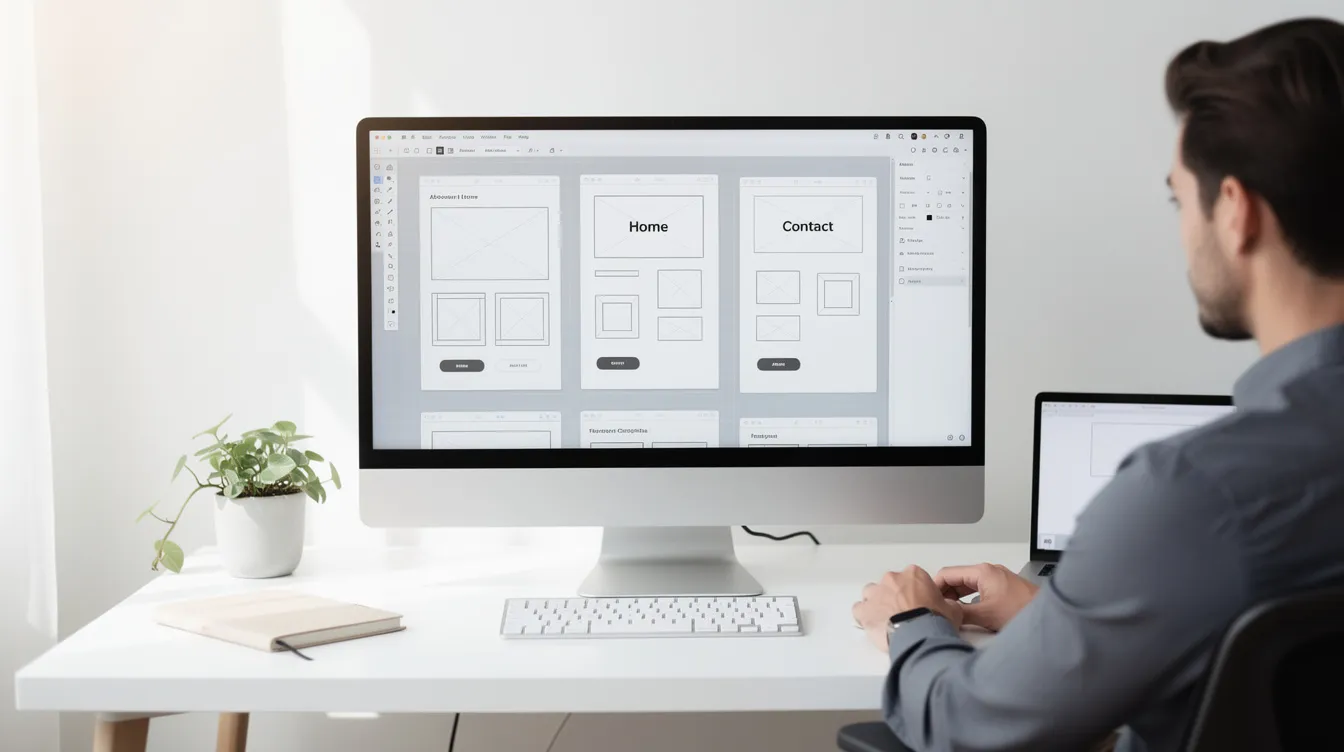
Some studios and freelancers work with only one or two industries. A salon-focused designer already knows the page structure, booking tool and gallery a salon needs. That focus cuts design time, reduces revision rounds and keeps costs in the low range.
Why It Stands Out
Niche specialists have ready content structures for their field. A restaurant designer already has sections for menus, hours, maps and reservations. A coach-focused designer has intake forms, review layouts and calendar booking ready. That experience turns directly into fewer billable hours and a faster launch.
I keep notes on what different industries need from a website, for example bakeries, florists and gyms. If a niche designer’s plan for your industry misses the basics on pages like these, keep looking.
Best For
-
Restaurants, food trucks and cafés that need online menus and reservation links.
-
Beauty and wellness businesses (salons, spas, barbers) with online booking and galleries.
-
Fitness instructors or coaches who sell memberships, session packs and want to sell online.
-
Clinics or therapists that need intake forms and secure contact options.
Key Strengths
-
Ready page structures for the niche: service pages, team bios, price tables and FAQs for that industry.
-
Packages often include relevant policy pages, such as cancellation policies for gyms.
-
Simple onboarding: short questionnaires, content prompts and photo checklists cut back-and-forth.
-
Lower copywriting costs, because the provider adapts proven copy frameworks for each client.
Possible Limitations
-
Less suitable for businesses with unusual models or branding that breaks the niche template.
-
May tie clients to booking or POS tools the provider picked, which limits the website’s functionality later.
-
Some specialists serve only certain regions or time zones.
3. Freelance Web Designers Using Low-Cost Tools (WordPress and Page Builders)
Solo designers everywhere use tools like Elementor, Kadence or GenerateBlocks with lightweight themes such as Astra or GeneratePress to build budget-friendly sites. WordPress users benefit from a huge ecosystem of plugins and community support, which keeps costs down for designer and client alike.
Why It Stands Out
Freelancers carry lower overhead than large agencies, so they often give better value and more personal attention. The 2026 small business website cost guide puts a template-based freelance site at roughly $500 to $2,500 and a custom freelance site at roughly $2,000 to $6,000. Freelance web designers commonly list $30 to $150 an hour, according to the web design cost breakdown.
Best For
-
Startups and side businesses that want a distinct look on a small budget.
-
Small business owners who expect ongoing small changes and want a direct relationship with one person.
-
Clients comfortable with email and recorded video updates across time zones.
Key Strengths
-
High flexibility in layout and branding compared with rigid packages, so the design can be truly yours.
-
Popular, well-documented tools (WordPress, Astra, Elementor) with large support communities.
-
Possible bundles with logo design, basic copy or social media graphics.
-
Often more open to quick rounds of changes than larger teams.
-
Many freelancers set up SEO tools and site analytics as part of the standard package.
Possible Limitations
-
Quality and reliability vary widely; portfolios and reviews matter more than price.
-
A single point of failure if the freelancer becomes unavailable.
-
Sometimes no formal support agreement, which slows fixes in an emergency. Premium customer support is rare at this price.
-
May not include long-term maintenance, so you budget for updates and backups separately.
4. Guided Setup on a Low-Cost Website Builder
In this hybrid model, a designer sets up the site structure on a hosted website builder, configures the template and then trains the client to add content and make small design changes. The professional handles the hard parts (layout, navigation, SEO structure), and the owner fills in text, images and updates from then on.
Why It Stands Out
This model cuts labor cost by splitting the work. You pay a setup fee plus the monthly website builder fee, and the small business website cost guide lists website builder plans at roughly $15 to $60 per month plus add-ons. The client gets full editing control through a drag and drop editor, so routine content changes never wait for a developer.
Builder brands compete hard on entry pricing for website creation. Most offer a free plan or a free trial, a cheap starter plan, a business plan with more features and premium plans for stores, and other website builders compete mostly on templates. The Hostinger website builder and the Network Solutions website builder are two examples that sell low entry plans. Many brands now include an AI website builder, sometimes called an AI powered website builder or a site generator tool, that drafts a starter page in minutes. A free trial is different from a free plan, and both are different from a money back guarantee, so read the pricing plans carefully.
Best For
-
Bootstrapped solopreneurs willing to invest time instead of money.
-
Nonprofits or community groups with volunteer admins.
-
Personal brands and creators who update content weekly or monthly.
-
Anyone building personal sites or personal websites who wants hands-on control.
Key Strengths
-
Low upfront cost by splitting work: the professional handles structure and the owner fills in text and images.
-
Hands-on training (a live video call or recorded videos) reduces fear of managing the site afterward.
-
Hosted site builders remove separate cloud hosting, security and backup decisions.
-
Content changes take minutes in a drag and drop interface instead of waiting for a developer.
-
Most website builders include built in marketing tools, such as email capture and social sharing, plus basic SEO features.
Possible Limitations
-
Final polish depends on the owner’s design sense and time. A consistent color palette makes a site look higher quality, but not every owner has an eye for it.
-
Template limits on some platforms restrict later layout changes.
-
Third-party apps, premium plans and advanced features add to monthly costs if nobody watches them.

5. One-Page Low Cost Web Design Packages
One page websites fit all the essential content into a single scrolling page: a headline, a services overview, reviews and a contact form. They are stripped down on purpose, and that limit is what makes them cheap and fast to build.
Why It Stands Out
One page keeps design time and copywriting scope small. Turnaround can be a few business days when the content is ready. Simple layouts and clear calls to action make a site work better, and a single page is easy to tune for mobile scrolling, which is how many people browse local businesses today. For a price reference, the small business website cost guide lists its own studio’s one-page site starting at $799 one-time, or $389 setup plus $79 a month with hosting, edits and SEO included.
Best For
-
New businesses that need a web page before the full branding is done.
-
Short campaigns, events or product launches that use landing pages.
-
Freelancers and creatives who mainly need a digital business card with portfolio links and contact details.
Key Strengths
-
Very low cost with a visually appealing design and strong calls to action.
-
Easier to maintain: fewer pages and menus to manage.
-
A good stepping stone toward a larger site later.
-
Responsive design is easy to get right on a single page, so these builds usually work well on phones.
Possible Limitations
-
Limited room to target several services or locations in search, because there is only one URL to optimize.
-
Can feel cluttered if the business offers many different services.
-
May not look substantial enough for B2B buyers who expect a site with several sections.
6. Low-Cost E Commerce Web Design Bundles
Budget e commerce packages for online selling are usually built on Shopify or WooCommerce, which are made for e commerce from the ground up. Unlike an online store on a website builder, they run on a platform made for selling. These bundles come with product templates, a cart, a checkout and payment setup already in place, which cuts setup time for small ecommerce stores.
Why It Stands Out
Ready store setups handle the slowest parts of building an online store: product page layouts, shipping rules, tax settings and payments. For small catalogs, the build can cost close to a brochure site, because the store engine does the heavy lifting.
Transaction fees matter for shops that watch margins. Some platforms charge their own transaction fees on each sale unless you use their built-in payment processor, while others have zero transaction fees and only the card processor’s charge. Compare transaction fees across platforms before you pick one, especially for ecommerce businesses with thin margins.
Best For
-
Local retailers moving a small catalog online.
-
Creators selling digital downloads, online courses or memberships.
-
Small direct-to-consumer brands testing demand before larger spending.
Key Strengths
-
Key parts included: product pages, tax and shipping setup, email notifications and order management.
-
Payment setup with common processors.
-
A starter batch of products entered for you, which lightens the first workload.
-
A clear upgrade path to more products later. Most platforms have a business plan tier for a growing online store.
-
Zero transaction fees on some platforms keep more of each sale from day one.
Possible Limitations
-
Not ideal for complex catalogs, multi-location stock or wholesale portals that need advanced tools.
-
Paid apps and plugins can push monthly costs above the base subscription.
-
Design is sometimes limited by the theme’s checkout or product layout, which restricts the look of the store.
7. Subscription-Based Low Cost Web Design (Website as a Service)
Instead of a large upfront fee, a subscription bundles design, reliable hosting, security updates and support into one monthly payment. Some providers include periodic design refreshes or content updates. The web design cost breakdown puts these plans at roughly $100 to $400 a month, covering design, hosting and a set number of edits.
Why It Stands Out
Spreading the cost over a year or more lets businesses get better design without a lump sum. Some plans include yearly refreshes, small content changes and ongoing SEO work. A fixed monthly cost is easier to budget than unpredictable freelancer invoices.
Best For
-
New small businesses with a small startup budget but steady monthly cash flow.
-
Owners who don’t want to manage hosting, updates or security.
-
Service businesses in competitive local markets that need ongoing work on professional sites.
Key Strengths
-
Low upfront cost, with essential features included from day one.
-
Maintenance, security updates and sometimes content changes included.
-
A predictable monthly cost with no surprise invoices for routine fixes.
-
Some plans allow design refreshes as your branding changes.
-
Some include a free custom domain and free domain renewal while you subscribe.
Possible Limitations
-
Contracts may require a 12 to 24 month commitment or charge cancellation fees, so check the terms first.
-
In some models you don’t fully own the design or code if you cancel. Ask about content and code ownership upfront.
-
Over three to five years, the total can pass the cost of a one-time build plus cheap web hosting.
-
Room for custom features is small, which keeps the monthly price low.
Quick Comparison of the Best Low Cost Web Design Approaches
Here is a summary so you can match your situation to an approach:
-
Template-based packages: standard local service sites that need a fast launch and a predictable one-time fee.
-
Niche specialists: restaurants, salons, coaches and clinics that want industry layouts and integrations built in.
-
Freelance designers on low-cost tools: a distinct brand on a budget, with direct contact to the person building your site.
-
Guided setup on a website builder: owners willing to trade time for savings and full editing control.
-
One page websites: pre-launch phases, simple portfolios and lead-generation landing pages.
-
E commerce bundles: small catalogs and simple ecommerce stores that want to sell online fast.
-
Subscriptions: businesses that want ongoing support and no large upfront payment.
How Business Owners Choose the Right Low Cost Web Design Option
The cheapest option is not always the best once you count your time, support quality and long-term needs. Here is how to narrow the choice.
Choose Based on Your Budget and Cash Flow
Pay-once models (template packages, freelance builds) work best when you have the full build fee available. Monthly subscriptions suit owners who prefer to spread the cost.
The price bands in the small business website cost guide give useful thresholds. A website builder costs $0 to a few hundred dollars upfront plus roughly $15 to $60 per month, and you do the content work. A template-based freelance site at roughly $500 to $2,500 gets you a simple multi-page brochure site with basic SEO and contact forms. A small studio package at roughly $1,000 to $5,000 adds lead-generation features, booking integrations or more pages.
At the bottom of the range, the best cheap website builders offer a free plan or a free version with limits on storage, pages and branding. Free website builders are fine for testing an idea, but most put their own ads or address on a free plan, and business sites need their own custom domain. Read what each builder offers before you move to a paid plan.
Choose Based on How Often You’ll Update the Site
If you update content weekly (blog posts, seasonal offers, new photos), you need an easy editor and training. A guided setup on a cheap website builder, or a subscription with content updates, fits here.
If your site is a brochure that changes once or twice a year, invest in a one-time professional build and skip the monthly platform fees. A well-built WordPress or static site on reliable hosting is cheap to run.
Choose Based on Technical Comfort: Drag and Drop or Done for You
Be honest about how many hours a month you can give your website.
-
Set-it-and-forget-it owners should choose a full-service build or a subscription where the provider handles updates, security and backups. These owners do better paying a bit more than climbing a learning curve.
-
Tech-comfortable owners who enjoy tinkering can save money with a guided setup on a platform that has a drag and drop editor and built-in SEO tools. The best website builder for this group balances power with ease of use.
Non-technical owners should confirm that training or documentation is included. A short live walkthrough or a set of recorded videos is worth asking for before you sign.
Choose Based on Growth Plans
Your future needs should shape your starting platform. If you plan to add online booking, a members’ area or online courses within a year or two, choose a platform that supports them without a full rebuild.
It is cheaper to leave room for growth now than to move everything to a new platform later. A WordPress site can add WooCommerce for online selling, and a Shopify starter store can add more features and subscription products. Most website builders allow upgrades from a starter plan to a paid plan or an advanced plan as you grow.
Think a year or two ahead: new services, new locations, a bigger team. If you are unsure, start with a free trial of the platform before you commit. If any of these are likely, avoid locked-down platforms that limit the website’s functionality.

What Cheap Website Builder Plans Include and What the Best Website Builder Adds
Many readers compare low cost web design with a cheap website builder, so here is what the plans usually include. A website builder sells the software, the hosting and the templates in one subscription. Cheap website builder plans differ mostly in limits: pages, storage, a free domain, transaction fees and the level of customer support.
Free Plan, Free Trial and Free Version
A free plan lets you build and publish a site at no cost, but most free plans show the builder’s ads and use the builder’s address instead of your own custom domain. A free trial gives you the paid features for a short time and then asks for a card. A free version of a paid tool usually hides key features. The best cheap website builders are clear about which of the three you are getting. A free plan is fine for website building practice, personal websites or a test page, but a business that wants trust needs its own domain. If you start on a free plan, plan the move to a paid plan with a free domain before you print business cards, because changing the address later means updating every listing. A website builder free plan is a test drive, not a home.
Starter, Basic and Premium Plans at the Best Cheap Website Builders
The paid ladder usually starts with a starter plan or a basic plan, then a business plan, then premium plans with e commerce features. The cheapest paid plan may lack a free domain, have limited SEO features and offer email-only customer support. Premium plans add an online store, lower transaction fees, more storage and faster customer support. Compare pricing plans on the yearly price, because monthly billing usually costs more.
Built In Marketing Tools, SEO Tools and the AI Website Builder
Most builders bundle marketing tools such as email forms, social posts and simple pop-ups, plus SEO tools for titles, descriptions and sitemaps. Many now add an AI website builder that drafts pages from a prompt. These marketing tools and SEO tools save time, but they do not replace a clear page structure or good photos. The Hostinger website builder is one example that leans on AI features at a low entry price, so if you test it, read what the AI wrote before you publish.
Refunds, Domains and Customer Support
Before you pay for a year, check the money back guarantee period, whether the free domain renews at full price after year one and how customer support works (chat, email or tickets). A money back guarantee from a builder protects you if the tool does not fit, but it rarely covers the domain fee. The best website builder for a small business is the one whose limits you will not hit in the first two years.
When an Online Store Changes the Math
If you plan to run an online store, e commerce features change which plan you need. Most website builder e commerce plans add product pages, inventory and checkout, and a free plan almost never includes them. Store plans add product pages, payments and shipping, and they often charge transaction fees on lower tiers. A small online store can start on a mid-level website builder plan, but compare the yearly cost with a low cost web design bundle on a store platform before you decide. Many shoppers buy on their phones, so test the checkout on your own phone.
Hidden Costs to Check Before You Sign
Before signing, confirm these in writing:
-
Domain and hosting fees after the first year. Many builder offers include a free domain for year one and then charge for renewal. The web design cost breakdown puts a domain at about $10 to $20 a year, and hosting on a basic plan or an advanced plan can rise after a promotional period.
-
Costs for later edits, extra pages and emergency fixes. Ask for the hourly rate in writing.
-
Licenses for premium themes, plugins or stock photos. A free theme may need a paid license to unlock all the features.
-
Platform transaction fees on sales. If you plan to sell online, check whether the platform charges per-sale fees on top of card processing.
-
Refund terms on subscriptions. If a builder offers a money back guarantee, note how many days it lasts before you pay for a year.
Ask for a written list of every expected yearly cost. Hidden fees are a common frustration in low cost web design projects.
Essential Features on a Low Budget: SSL, Cloud Hosting and Speed
-
SSL security. A free SSL certificate comes with most hosting platforms and site builders.
-
Responsive design. Mobile responsive templates are standard, so reject any provider whose designs break on phones.
-
Fast loading. Compress images, limit plugins and choose lightweight themes.
-
Clear navigation and contact options: a phone number or email, a contact form and your service area visible without scrolling.
-
Basic site analytics such as Google Analytics to see which pages work.
-
Basic on-page SEO structure: page titles, meta descriptions and a clear heading order.
Which Low Cost Web Design Route Is Best for You?
The right choice depends on three things: your budget, your time and how often you will change content. There is no universal best, only the best match for your situation.
-
Choose template-based packages if you want a professional site live within two weeks on a modest one-time budget.
-
Choose niche specialists if you are in a common field like restaurants, salons or coaching and want proven layouts.
-
Choose freelance designers if you value a custom look and direct contact with the person building your site.
-
Choose a guided setup if your budget is tight but you can give evenings or weekends to learning the tools. Free website builders and cheap paid plan options make this the lowest-cost path.
-
Choose one-page packages if you mainly need to capture leads or test a business idea.
-
Choose a subscription if you prefer predictable monthly costs with ongoing support built in.
I build low cost sites for small businesses myself, and my packages are on my pricing page. If you wonder whether a site is worth it at all, my research on salons, barbers and bakeries without websites shows how many local businesses still have none. A low cost site is still a cheap way to build a professional online presence that you own. If you want me to look at a quote you received, send me a note by email.
Final Thoughts on Low Cost Web Design in 2026
Low cost no longer has to mean low quality, and low cost website design done well can pay for itself. A modest website that loads fast, works on mobile, has a basic SEO structure and clear navigation can bring real leads and sales. The key is matching the right model and provider to your business.
Before you request quotes, write a short brief: your goals, the pages you need, two or three example sites you like and your budget range. Compare what each quote includes, not just the price: revisions, SEO basics, training and support vary between providers and can make a slightly pricier package the better deal.
Treat your website as an asset that should pay for itself through leads, calls and sales. Even at a low cost, a well-chosen approach will serve your business for years if you plan the build with growth in mind.