Getting a business site online in 2026 is faster, more affordable, and less technical than it was even a few years ago, and small businesses no longer need special software or coding knowledge. In this guide I walk you through every decision, from the first idea to publishing your finished pages, so you can pick the path that fits your time and budget.

Plan Your Business Website Before You Pick a Tool
Jumping into templates before you plan is a common mistake for small businesses to make. Spend a few hours on these four steps and the whole creation process goes faster.
Define the website’s main goal
Decide what the site should do for the business. Most small businesses want one of four things: more inquiries, more bookings, online sales, or simple proof that they are real and trustworthy. Write the goal down in one sentence. Every page you create should support it.
Describe your target customer
Your customers shape every design and content choice. Describe who they are, which devices they use, and what problem they want solved when they land on your site. A plumber’s customers want a fast way to ask for help. A boutique’s customers want to browse photos and buy. That idea decides which pages you build first and what you write on them.
Choose a domain name
Your domain should match your business name as closely as possible. Keep it short, easy to spell, and free of hyphens or numbers. Many website builders include a free domain for the first year, but the renewal fee comes later, so check it before you sign up.
Gather your branding
Collect your logo, colors, fonts, and photos before you open any editor. Consistent branding makes a small site look professional. Real photos of your space, your work, or your products build trust far better than stock images, so take some with your phone if you have nothing yet.
Three Ways to Get a Website for Your Business
There are three main routes to a business website. Each one trades money, time, and control in a different way, and the right one depends on your skills, your budget, and how soon you need to launch.
Use a website builder
A website builder gives you hosting, templates, and a drag and drop editor in one monthly plan. You pick a template, replace the text and images, and publish. It is the cheapest route in cash, but it costs you hours: writing, editing, testing, and fixing things yourself. Popular options include Wix and dozens of similar tools, and most offer a free trial so you can test the editor first.
Use an AI website builder
An AI website builder asks a few questions about your business and creates a first draft in minutes: pages, layout, text, and suggested images. AI saves you from the blank page, which is where many owners get stuck. The draft is a starting point, not a finished site. You still need to rewrite the copy in your own voice, swap in real photos, and check every detail.
Hire a professional
A web designer, a developer, or an agency builds the site for you. This route costs more up front but saves your time and usually gives a stronger result. I build small business websites this way, by email, with a fixed scope agreed in writing before work starts. You can see what is included on my pricing page. Whoever you hire, make sure you own the domain and the site when the project ends.
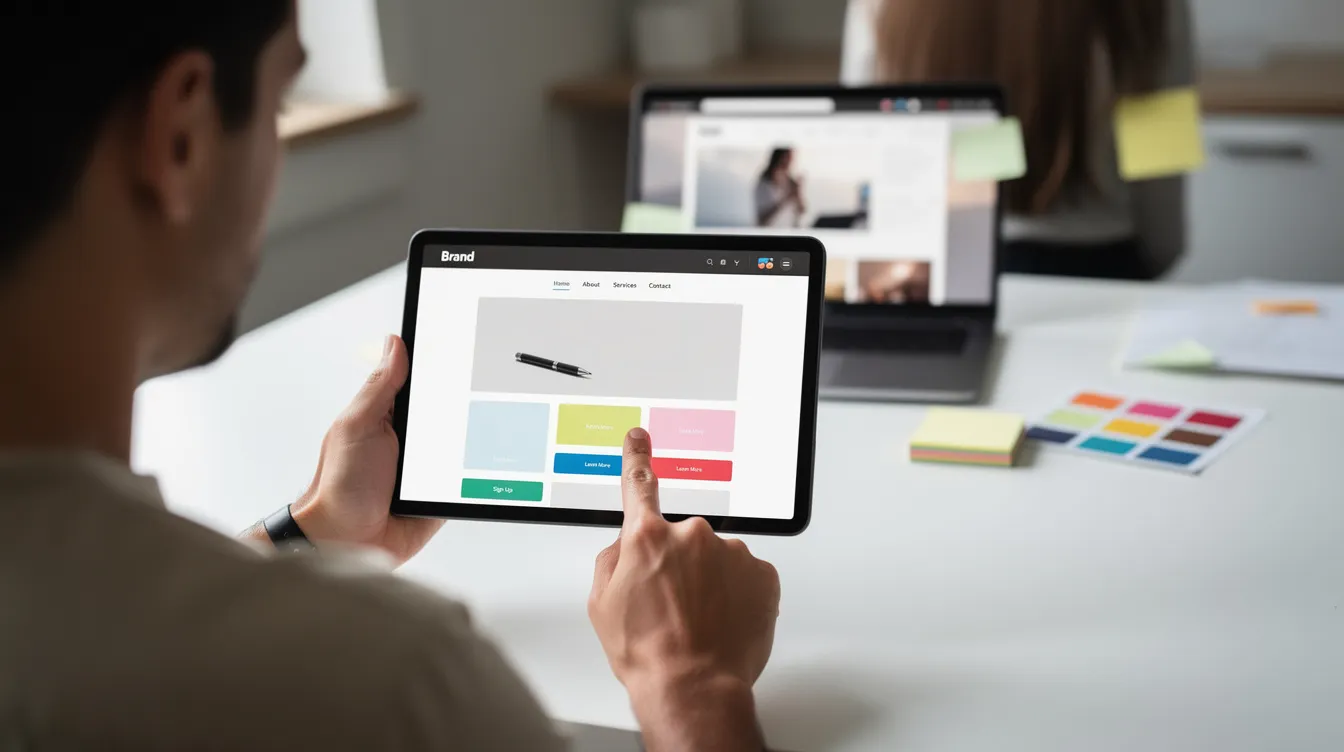
How Small Business Owners Choose the Best Website Builder
If you decide to build it yourself, compare each website builder on the points below. The best website builder for some small businesses can be the wrong one for others, so test before you pay.
-
Ease of use. A drag and drop editor lets you move blocks around without touching code. Build one test page in two or three free trials. The tool that feels easiest after half an hour is usually the right one.
-
Templates. Look for templates made for your industry. A restaurant template comes with a menu page; a consultant template focuses on services and a contact form.
-
Built in tools. Good builders include built in tools for SEO, forms, bookings, email marketing, and analytics, so you do not need extra apps.
-
Plans and fees. Compare the full plan price, add-ons, transaction fees on sales, and the domain renewal. A plan that looks cheap at sign up can cost more after the first year.
-
Cancel anytime. Check whether the monthly plan lets you cancel anytime, or whether the best rate locks you into a yearly contract.
-
Security. Hosting, an SSL certificate, and automatic backups should be part of every plan. Security matters even for a small site, because it protects your customers and your search rankings.
-
Code access. Some builders let you add custom code on higher plans only. If you expect to need it, check before you commit.
-
Support and community. Chat or email support on every plan, plus an active user community and help articles, will save you hours when something breaks.
Hosting, Paid Plans, and Support: What You Pay For
Not all website builders charge the same way, and not all plans include the same things. Here is what sits behind the monthly cost.
-
Hosting. Hosting is the server space where your website lives. Most website builders include hosting and an SSL certificate in every plan, and some add backups. If you choose WordPress software on your own hosting, you pay for hosting, a theme, plugins, and updates separately.
-
Free plans. A free plan is fine for testing a builder, but it usually shows the builder’s ads and uses a branded address instead of your own domain. Free plans rarely look like a professional website to customers.
-
Paid plans. Paid plans remove ads, connect your domain, and include built in tools such as forms, SEO settings, and analytics. For most small business owners, an entry plan is enough at launch.
-
Advanced plan. An advanced plan adds features like an online store, memberships, or extra storage. Upgrade only when you need a feature, not because the builder suggests it. Most builders let you upgrade later in a few clicks.
-
Support. Chat and email support are common on every plan, while phone support is often kept for higher tiers. Good help articles and a knowledge base matter just as much, because you will search them at night when something breaks.
An affordable plan is the one that covers what your business needs this year, with a clear path to grow. Write down the cost of each option for twelve months, including the domain, before you decide.
Tip: put a reminder in your calendar a month before your plan renews. It gives you time to compare prices and switch if you need to.
How to Use an AI Website Builder Well
AI is now part of almost every website builder. Used well, AI can cut your setup time. Used carelessly, it produces a site that sounds like everyone else’s.
Here is how I would use an AI website builder for a small business:
-
Give the AI real details. Describe your services, your town, your customers, and what makes your business different. Vague prompts create vague pages.
-
Treat the draft as a sketch. AI layouts are a quick way past the blank page. Keep the structure that works and delete the rest.
-
Rewrite every headline. AI text tends to be generic. Replace it with the words your customers actually use when they call or email.
-
Replace AI images. Stock and AI images look fake next to a real business. Use your own photos wherever you can.
-
Check every fact. AI tools sometimes invent services, hours, or claims. Read each page as if a customer were reading it.
AI website builders are best for simple sites: a few pages, a contact form, maybe bookings. For an online store with many products or a site with custom features, AI gives you a start, but you will still need time or help to finish it.
Build Your Website Step by Step
With a plan and a tool in place, it is time to build.
Select a template
Pick a responsive template that looks good on phones, since many visitors to a small business site arrive on mobile. Choose one made for your industry so visitors understand what you do at a glance. Before you commit, check that you can change colors, fonts, and layout blocks.
Create the essential pages
Most small businesses need these pages:
-
Home page. Your main message in one headline, a supporting image, and one clear call to action.
-
About page. Who you are, why you started, and how you work. This page builds trust.
-
Service pages. One page per service, with a clear description, what the customer gets, and how to start.
-
Contact page. Email, address if relevant, a map, and a short form. Make it easy for customers to reach you.
Write content that turns visitors into customers
Write about what the visitor gains, not just what you do. “I keep your books up to date so you can focus on clients” works better than “Bookkeeping services offered.” Add a clear call to action on every page, such as “Get a quote” or “Book a visit,” and keep one main action per page.

Use the Built In SEO Tools to Improve Your Website’s Visibility
Search engines such as Google send free visitors to sites that explain themselves clearly. SEO is how a small business site shows up when people nearby search for a service. Use your builder’s built in SEO tools to:
-
Write a clear page title for every page, using the words customers search for
-
Write a short meta description for each page
-
Link related pages to each other
-
Submit the site to Google Search Console and Bing Webmaster Tools
Avoid accepting every automatic AI suggestion without reading it. Keyword stuffing makes pages harder to read and does not help rankings.
Publish and test the website
Testing before launch catches the mistakes customers would otherwise find for you.
-
Connect your domain and check the DNS settings.
-
Click every link on desktop and on a phone.
-
Send a test message through every form.
-
Read each page for spelling, image quality, and consistency.
-
Publish, then ask a friend to browse the site and tell you what confused them.
Tell Your Story and Show Your Work
The best small business websites feel personal. A visitor should finish your about page knowing who you are and why you do the work. Tell your story in a few short paragraphs: how you started, who you help, and what a customer can expect.
Show your work with real images and, where it helps, short videos. A thirty-second clip of your kitchen, workshop, or team at work does more for your branding than any stock photo. Keep the focus on the customer: what they get, how fast, and how to start.
Your site is also the hub of your marketing. Link your social profiles, add your site to your Google Business Profile, and put the address on your cards and invoices. Every place a customer meets your business should lead back to your website.
Add Features as Your Business Grows
Once the site is live, you can add features as your business grows:
-
Bookings. Scheduling tools that sync with your calendar and send confirmations to customers.
-
Business email. An address at your own domain looks more professional than a free email account.
-
Inquiry forms. Capture leads on the site, with spam protection and a clear privacy note.
-
Analytics. See which pages attract visitors, where they leave, and which channels bring sales.
-
Articles. Short articles that answer customer questions help your site appear in search.
Create an online store
If you sell products, most builders let you add an online store. Upload clear photos, write honest descriptions, set shipping rates, and track stock. Before you start to sell, check the transaction fee on each sale and the payment options your customers prefer. A small store can live inside your main site; a large catalog usually needs a platform built for ecommerce.
Manage Costs and Website Ownership
Knowing your total cost now prevents surprises a year from now.
-
Compare plans. Count the monthly plan, add-ons, and the domain renewal fee.
-
Read the renewal terms. First-year deals are common, and renewal prices are often higher.
-
Check if you can cancel anytime. Monthly plans you can cancel anytime cost more per month but keep you flexible.
-
Keep access to everything. Your domain, hosting, and admin logins should be in your name, with full access, even if someone else builds the site.
-
Plan for upkeep. Set aside a few hours each month to update content, refresh images, and check for broken links.
Start Building Your Website This Week
Every week without a website is a week customers search for your service and find a competitor instead. My research on small businesses without a website shows how common that gap still is. If you run a bakery, my page for bakeries shows what a simple, complete site needs.
Pick your route, claim your domain, and start this week. If you would rather have it done for you, write to me through the contact page and tell me about your business.