What a Custom Website Designer Does
A custom website designer does more than pick colors and arrange elements on a page. The work covers visual design, user experience, technical structure and business goals. Professional designers start with your business goals, because those goals shape the design and the structure of the entire site.
From there the designer uses those insights to create layouts, navigation, forms and interactive parts around how your customers think and behave. Good work also handles screen sizes, accessibility basics, search fundamentals and different devices, from mobile devices to a wide desktop screen.
Custom website planning has several layers:
-
Discovery: business goals, competitors, audience and the questions your visitors ask.
-
Sitemap: the list of web pages and how they connect.
-
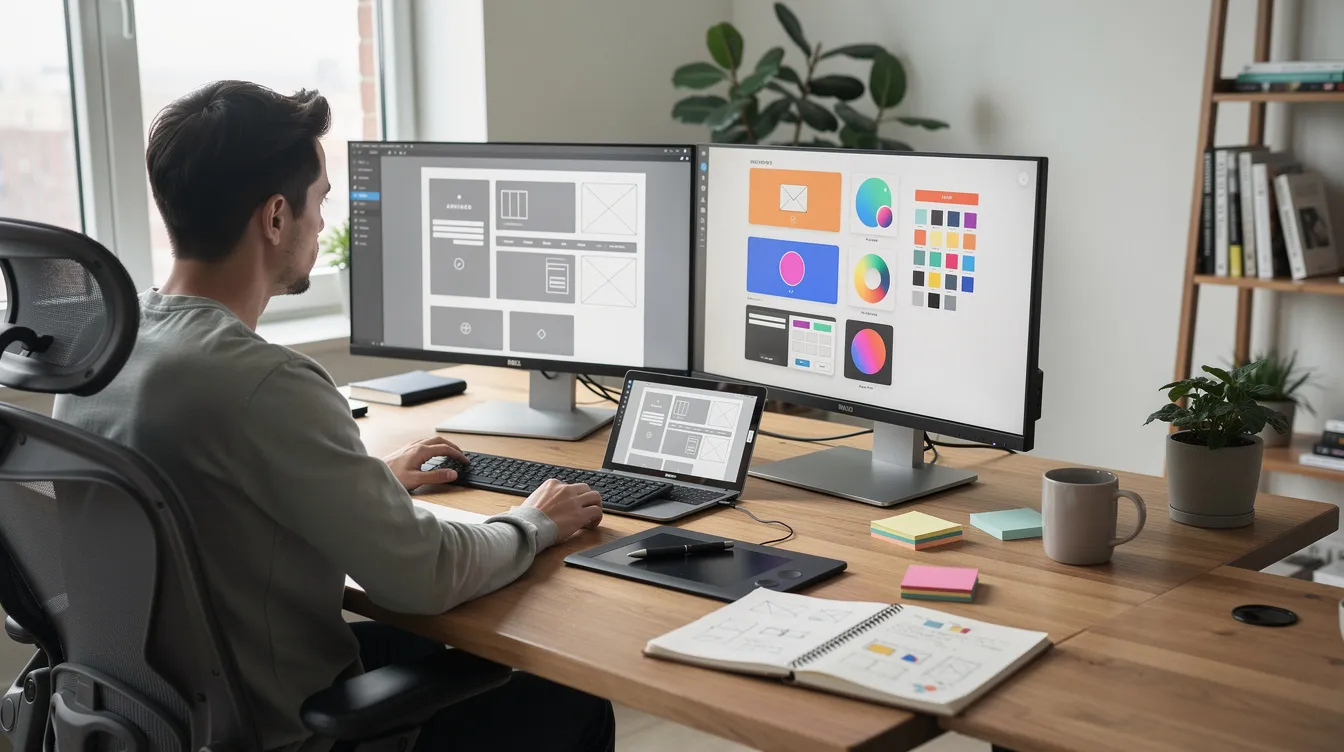
Wireframes: rough layouts that map content and user flows before any visual design.
-
Technical setup: hosting, a content management system and links to other tools.
-
Usability testing: checking navigation and forms before launch.
A designer with technical expertise handles the complexity that would otherwise land on you. That saves a small business owner time and stress.
Which businesses need a custom website? Those with specific business requirements that a template cannot meet, such as booking flows, member areas, large catalogs, several languages or strict rules for their field. Growing businesses often reach that point. I build light static sites without member areas or online stores; my pricing page shows what I offer.
Custom Website vs Website Builder
The gap between a custom website and a website builder comes down to control, performance and ownership.
| Factor | Custom website | Website builder |
|---|---|---|
| Design freedom | No template limits, every layout is possible | Limited to pre built templates and blocks |
| Complete control | Full control of code and assets | Often tied to the platform |
| Speed | Built lean for the pages you need | Extra code from the platform can slow pages |
| Growth | Built to grow with your business needs | Limited by the platform’s structure |
| Ownership | You own the code, the content and the domain | Export options are often limited |
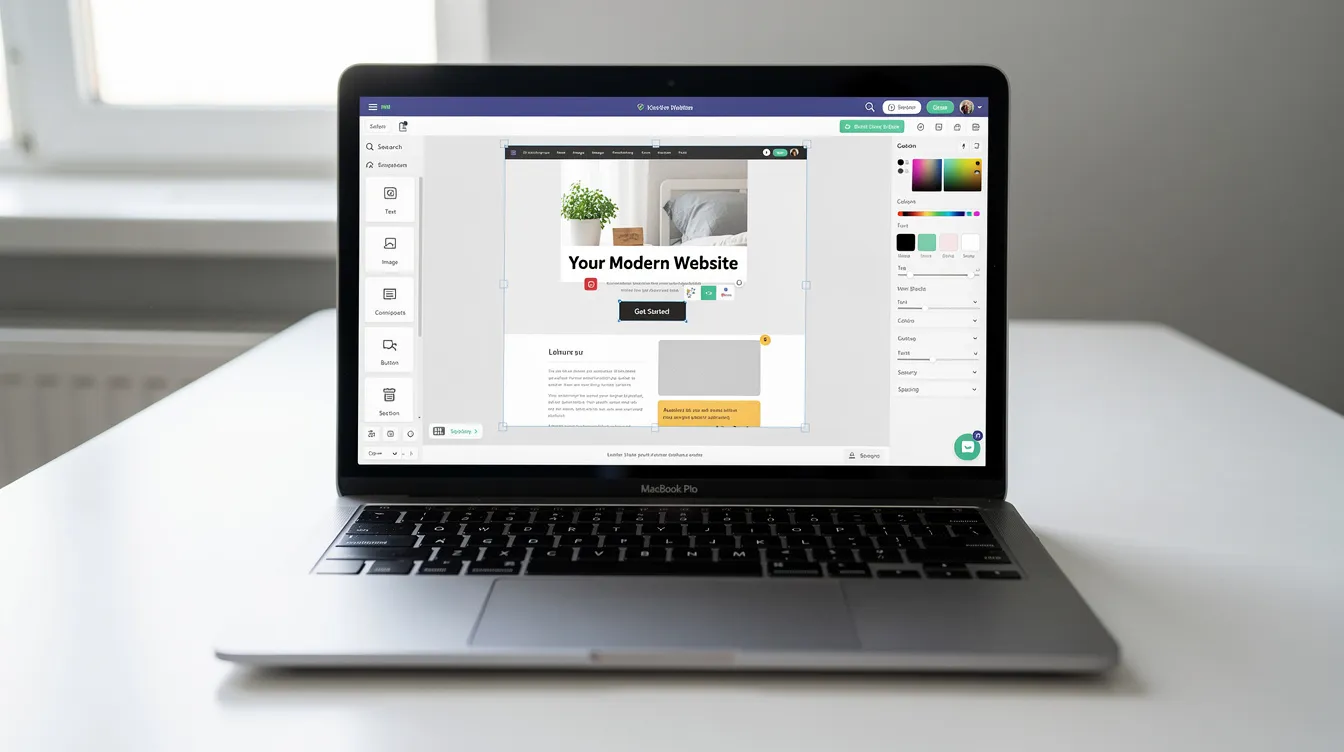
A custom website gives you complete control over every visual and functional element. A builder works inside a drag and drop editor with predefined layout options. That is faster to launch, but you give up design freedom and portability.
Scalability is another difference. A custom site can use advanced caching and a lean backend, and it can handle traffic surges. Builders often add extra code and limit how far you can push speed or integrations.
When to Choose a Custom Website
Choose a custom build when your specific requirements go beyond what templates can deliver. That means projects such as:
-
Custom landing pages that drive one conversion action
-
Portfolio sites for artists, designers and other creative professionals
-
Documentation sites with interactive guides
-
Custom directories that collect information for various industries
-
An online store with complex checkout, memberships or product options
Many small businesses use no-code platforms, and that is fine for a basic website or a simple small business site. If you are a small business owner starting a new business on a tight budget with standard needs, such as a simple blog, a local service page or a basic portfolio, templates give you enough.
But once you need specialized functionality, such as multi-step forms, custom forms with conditional logic, role-based dashboards or deep third-party links, you have outgrown what a builder offers.
Website Customization and Brand Identity
Your website is the most visible expression of your brand identity. A custom website designer aligns every visual decision with your brand’s position and message.
Typography goes beyond choosing a font. It sets the hierarchy across headings, body text and interface elements. Line spacing, weight and responsive sizing all affect how easy a page is to read.
Color systems include primary and accent palettes and interactive states such as hover and focus. They must meet accessibility contrast and still carry the right feeling: trust, warmth, authority.
Custom layouts break free from the grid that templates impose. Hero sections, modular blocks and asymmetric pages all reinforce what makes your business different.
Custom design can build brand credibility and a better user experience than a generic template. When every web page reflects deliberate brand decisions, visitors notice the consistency.

Customization Features to Prioritize
High customization starts with layouts that allow non-standard page structures. Not every page on the entire site needs to look the same. Product pages, service pages and resource hubs each serve a different purpose and should be designed that way.
Key customization features to prioritize:
-
Custom navigation: menus, sticky navigation and breadcrumbs built around how users move through the site.
-
Tailored user flows: multi-step forms, conditional content and paths based on visitor behavior.
-
Business system links: connect the site to a CRM, email campaigns, payments, inventory and booking tools.
-
Content management system setup: a system that lets editors change content without writing code every time a page needs updating.
Each of these maps to a business need and a measurable outcome. They are not complexity for its own sake.
Advanced Customization
Advanced customization goes deeper:
Custom animations and micro-interactions: hover effects and scroll-triggered motion help engagement when used with restraint and without hurting speed.
Personalized content: dynamic content that changes with user behavior, location or device. AI tools increasingly power these engines, though they support careful design and do not replace it.
Accessibility-focused design: keyboard navigation, screen reader support, proper contrast, focus states and adjustable font sizes. I build to accessibility guidelines, and I do not promise legal compliance.
Performance optimization: lazy loading, image compression and monitoring of Core Web Vitals. A professionally designed website supports search engines with clean structure and content, and experienced designers optimize speed and SEO during development, not afterward.
Basic customization, such as changing colors and swapping text, is what most builders cover. Advanced features and specialized functionality need a designer.
Choosing Between the Best Website Builders
If a custom build is out of reach for now, choosing among the best website builders means checking a few things:
-
Customization depth: can you edit templates fully, add custom code and control breakpoints?
-
Editor flexibility: is there a drag and drop editor, a block editor or a visual builder with precise control over spacing and design tools?
-
Ownership policy: can you export your code, designs and content? What happens if you cancel?
-
Migration: are your posts, products and designs portable to other platforms?
Limited customization versus real design control often comes down to how much the platform lets you touch the underlying code.
Website Builder Options for Different Needs
Here is how common platforms fit different needs.
| Platform | Best for | Key strength |
|---|---|---|
| Shopify | An online store with e commerce capabilities | App market, payment tools, product launches |
| WordPress | Expandable sites for growing businesses | WordPress theme choice, plugins, full code access |
| Squarespace | Visual portfolios and simple sites | Ready templates and Fluid Engine layouts |
| Elementor on WordPress | Full design control for a WordPress site | Visual drag and drop editing |
| Webflow | Advanced visual control | Visual styling and a built-in content system |
Some builders offer greater control and additional features than others, and a user friendly, simple interface helps if you will edit the site yourself. Builders add AI tools and SEO tools regularly, but a full custom build still gives more freedom when your business needs it.
Custom Website Design Process
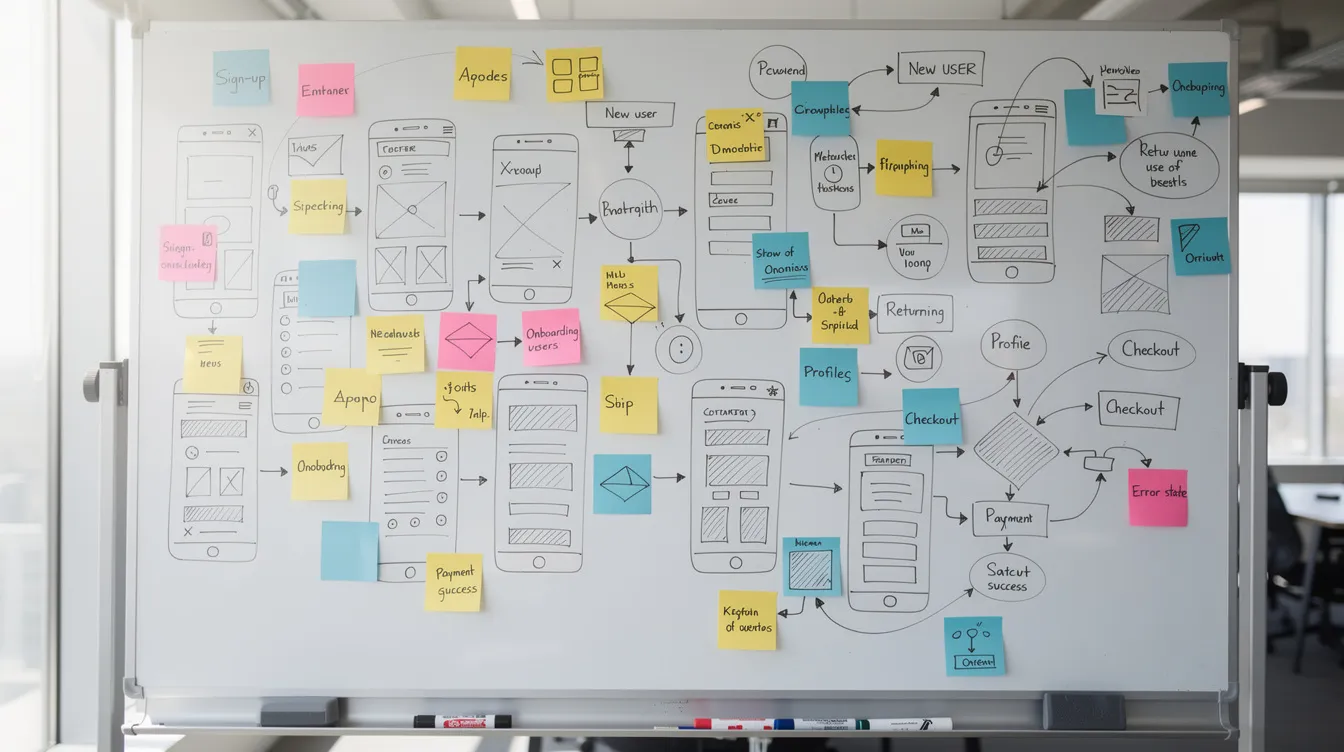
The design process runs through discovery, design, development, testing and launch. Each stage feeds the next.
Discovery: interviews, audience research, a competitor review and clear, measurable business goals. For a redesign it includes a content audit.
Sitemap: the main pages, their hierarchy and navigation. You decide which page templates can be reused and which need a unique design.
Wireframes: low-fidelity layouts that map content placement, navigation and calls to action.
Usability testing: real users check clarity, navigation and how the site behaves on different devices. Accessibility tests and speed checks come before the final design.
From Concept to Launch
Every decision should map back to your business goals, whether that is leads, trust or sales.
Responsive testing: verify layouts on phones, tablets and desktops. Responsive structure has to be built in from the start and not patched on later.
Search checks: page titles, metadata, schema markup, URL structure and alt text.
After launch: monitoring analytics, testing changes, fixing bugs, applying security updates and keeping backups. Launch day is the beginning, not the end.
Custom Domain and Website Ownership
A custom domain, such as yourbusiness.com, gives your site credibility and strengthens your brand identity. A free subdomain can look unprofessional and tell visitors that you have not invested in the business.
Ownership goes beyond the domain:
-
Domain registrar: the client, not the designer or platform, should control the registrar account and DNS settings.
-
Hosting: with a custom build you choose the hosting and control SSL, backups and performance. Builders bundle hosting and lock you to their setup.
-
Code and content: a custom website gives you full ownership of code and assets. With a builder, exporting your design or data is often limited.
Your social media accounts should link to your branded domain. The email address for customer messages should use it too. I work by email only and do not offer phone support, so my replies are always in writing. Treat your domain as a business asset.
What Affects Custom Website Cost
I do not quote market averages here. Cost depends on complexity, scope and who you hire. My pricing page shows what I charge.
What drives cost up:
-
The number and uniqueness of page templates
-
Content production: copywriting, photography and localization
-
Advanced features such as member areas, booking and e commerce checkout
-
Performance and accessibility requirements
-
Team structure: agency, freelancer or one person
Ongoing costs to plan for are maintenance, hosting, the domain renewal and content updates. Ask for a line-item list of pages, templates, integrations and content work, because clear budgets early prevent scope creep later.
How to Find the Right Custom Website Designer
Finding the right designer matters as much as deciding to hire one.
Review relevant portfolios. Look for work in your trade. Check speed, usability and how well the design reflects brand identity. A beautiful portfolio that loads slowly on a phone is a warning sign. See, for example, how I approach a bakery website or a florist website.
Check experience. Has the designer handled the features you need, such as booking, payments or several languages?
Ask about timelines. What are the phases and dates, how many revision rounds are included, what do you receive, and who owns the final files?
Compare proposals carefully. What is included versus an add-on? What support follows launch? How are updates, hosting, security and backups handled?
Ready to talk? Contact me and I will answer by email.