What Is a Budget Website (and Why It Matters in 2026)?
A budget website is a professional looking website built for a low yearly cost, covering your domain, web hosting or platform plan, design, SSL certificate, and essential tools like contact forms and basic analytics. Business owners can spend very little in year one by using promotional pricing wisely. The goal is a clean, modern site with a handful of web pages (Home, About, Services, Contact, Blog) that loads fast on any device and earns trust from visitors.
The search intent behind “budget website” is straightforward: you want practical, affordable ways to get online fast without hiring an expensive agency. You’re not looking for a barebones page that screams “I didn’t try.” You want something that works, looks credible, and doesn’t drain your bank account. Many visitors arrive on a phone, so mobile responsiveness is crucial for website design, even at the lowest price points.
There are three main paths to a budget website in 2026:
-
DIY website builders - Drag-and-drop platforms where hosting, SSL, and templates are bundled into one subscription.
-
Low-cost WordPress setups - Self-hosted WordPress.org on affordable shared hosting, paired with free themes and plugins.
-
AI website creators - Tools that generate a multi-page site from text prompts or a conversation, with hosting included.
Free resources like Unsplash help reduce website creation expenses further by providing stock images at no cost, and some graphic tools have free plans. Free stock assets can genuinely enhance website design quality when you pair them with the right platform.
All options covered below are described by cost, ease of use, and reliability. Check current 2026 pricing before you choose, and skip any “too cheap to be safe” scams.
How to Choose the Best Budget Website Solutions
Picking a budget website platform isn’t about finding the lowest advertised monthly fee. It’s about understanding total cost of ownership over the first one to two years, including domain renewals, SSL, email, essential add-ons, and especially what happens when promotional pricing expires. Introductory hosting rates often increase significantly after the initial term.
Judge every option by criteria that matter to real small business owners, not just marketers chasing clicks. Compare total costs, including potential hidden expenses, before choosing a website platform. A structured template can reduce the cost of building a website dramatically compared to custom design work, and choosing a platform that includes hosting and security saves you from juggling multiple vendors.
Most website builders include drag and drop functionality for ease of use, but the quality of that experience varies widely. Here is what to compare.
Key Evaluation Criteria
-
Actual yearly cost: Domain registration, SSL, hosting or builder plans, and must-have add-ons, not just promo prices. Options fall into bands, from the very cheapest to affordable pricing plans that still qualify as “budget.”
-
Ease of use: How quickly a non-technical owner can launch a homepage plus a few web pages (About, Services, Contact, Blog) in a weekend or less. A user friendly interface matters more than a feature list you’ll never touch.
-
Design quality: Whether pre designed templates look modern in 2026: mobile-first, fast-loading, and not stuck in a 2014 aesthetic. Choosing a professional template can save money compared to custom building.
-
Built-in features: Contact forms, basic SEO features, analytics tools, email capture, and simple ecommerce or booking capabilities where relevant.
-
Scalability on a budget: The ability to grow from a simple small site to a modest online store or content hub without rebuilding from scratch. Advanced features should be accessible as you grow.
-
Support & documentation: Live chat, email, or at least a robust help center for beginners. Customer support quality varies hugely between platforms.
-
Ownership & portability: What happens if you want to move away later, especially the difference between low-cost WordPress (full data control) and closed builders (potential vendor lock-in).
Top 7 Budget Website Options for 2026
Here are seven distinct approaches covering AI builders, classic drag-and-drop platforms, and low-cost hosting paired with WordPress. Each option includes who it’s best for, key strengths, and cost notes so you can make a decision with less guesswork.
1. AI Website Builder for Ultra-Fast Budget Sites
AI website builders are the newest category in the budget website space. They generate a multi-page site from a chat conversation or a few text prompts: layout, copy drafts, images, and all. Hostinger, for example, sells an AI-powered builder that starts website creation from a single prompt, and several competitors offer similar workflows. AI tools can streamline website content creation and structure, taking you from idea to published site in a single sitting.
Why It Stands Out
The AI handles layout decisions, writes initial content drafts, and selects design elements, which is ideal for users who don’t want to browse through template libraries or fiddle with spacing. Speed from idea to live site is the standout advantage. With a custom domain connected, you can have a professional site live the same day you start. Many platforms let you go from prompt to published in just a few clicks.
Best For
-
Non-technical founders needing a professional site this week on a limited budget.
-
Freelancers or local service providers, such as consultants, cleaners, and tutors, who want a polished presence without the learning curve.
Key Strengths
-
Chat-based editing that guides users instead of forcing them through complex dashboards.
-
Modern, responsive designs that adapt to phones and tablets automatically, so mobile responsiveness is handled out of the box.
-
Affordable pricing plans that include web hosting and SSL in one monthly fee, with the lowest rates for long-term commitments.
-
Some platforms include email marketing tools and basic SEO optimization tools in the same subscription.
Possible Limitations
-
Less granular control than a full manual WordPress build for power users who want advanced tools.
-
Heavier reliance on the platform’s AI for copy and structure, so you may need manual tweaking to match your own branding and brand voice.
-
Exporting your site or migrating away can be difficult with some closed-ecosystem platforms.
2. Drag-and-Drop Builder with a Free Plan
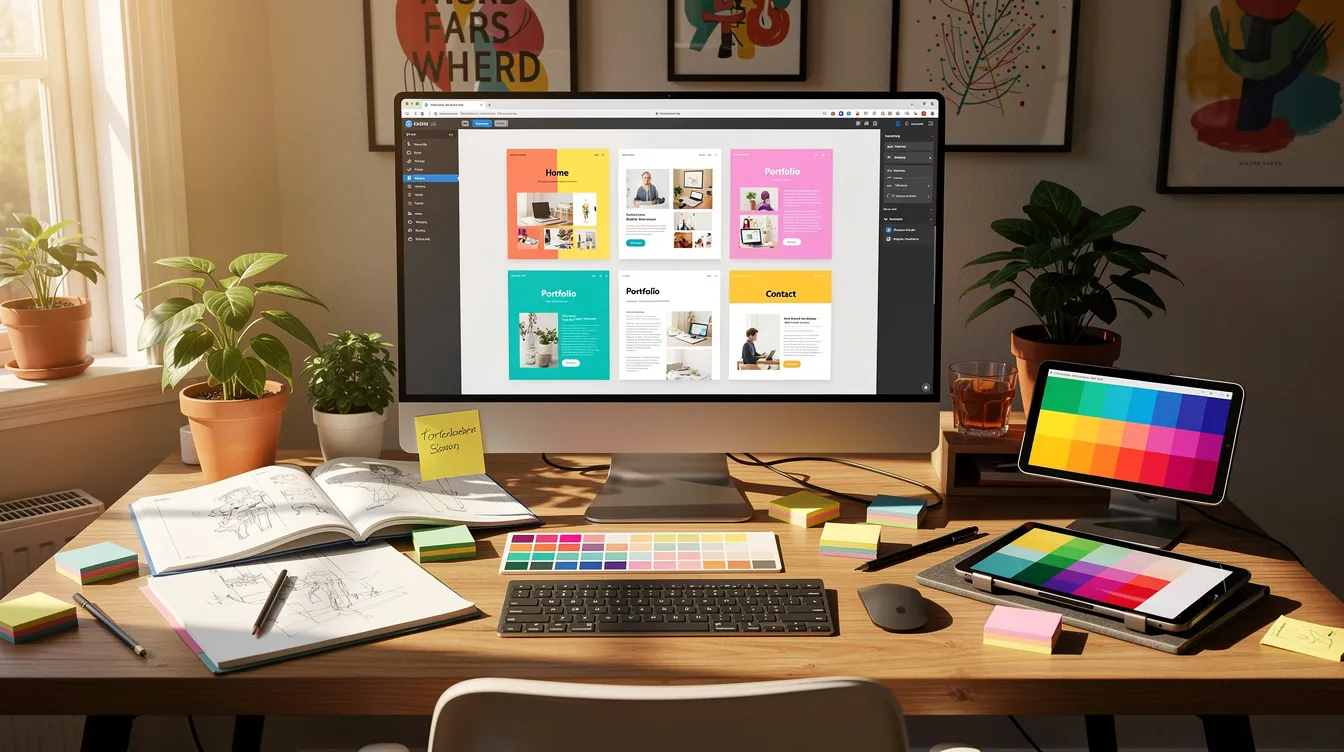
This category covers well-known platforms that offer a permanent free tier alongside low-cost paid plans. Wix, for example, has drag-and-drop editing and a free plan for budget-conscious users. A drag and drop editor with a large template library makes easy customization possible even if design isn’t your strength.
Why It Stands Out
The combination of a massive template library and a visual drag and drop editor means you can build and publish quickly even if design isn’t your strength. Templates cover everything from restaurants to consulting firms. The free plan lets you test drive the website building process before spending anything.
Best For
-
Side hustlers and hobby sites that want to spend as little as possible at the start.
-
People who want to experiment on the free plan before committing any budget.
-
Anyone building unlimited free sites across different ideas or projects during the testing phase.
Key Strengths
-
A free plan to get online without any upfront cost. You’ll have platform branding and a subdomain, but it’s enough to validate an idea.
-
Paid plans start low and unlock a custom domain, more storage, and removal of platform branding, so you end up with your own branding.
-
An app marketplace to cheaply add appointment booking, chat widgets, social media feeds, and third party tools.
-
Drag and drop capability that lets you place elements exactly where you want them on the page.
Possible Limitations
-
Template switching can be restrictive, and dashboards sometimes feel cluttered for absolute beginners despite the intuitive interface.
-
Costs can creep up if many paid apps are added over time. What starts as a cheap website builder can become expensive through add-ons.
-
Limited features on the free tier push you toward paid plans fairly quickly once you need a custom domain or analytics tools.
3. Stylish Budget Website Platform for Creatives
For creative professionals such as photographers, designers, coaches, and boutique brands, design quality is non-negotiable. Squarespace, for example, includes designer templates, hosting, and SSL in every plan. A design-focused platform like this can still fit within a budget website range for solopreneurs.
Why It Stands Out
High-end visual quality at a mid-range monthly price delivers genuine value for portfolios and visual brands. The editing experience is opinionated and streamlined, reducing design decision fatigue. You avoid generic stock photography traps because the template structures guide you toward clean, intentional layouts.
Best For
-
Photographers, designers, coaches, and boutique brands who care about aesthetics above all.
-
Small e commerce store owners who want clean product layouts without complex setup.
-
Creative professionals building portfolio sites that need to impress potential clients.
Key Strengths
-
Polished pre designed templates that look good out of the box.
-
Built-in SEO tools for better visibility, along with a blog engine, basic email capture, analytics, and a simple store, with no extra plugins needed.
-
A basic plan that includes hosting, SSL, and, for many solopreneurs, all the features they need.
-
Integrated marketing tools on many plans, so check if social media posts and basic customer management are covered.
Possible Limitations
-
Not the cheapest absolute option for a tight budget. If you’re on a tight budget, other paths cost less.
-
Less extensible than open-source systems like WordPress for complex, custom features or the ability to integrate third party tools beyond what’s offered natively.
4. Budget WordPress with Shared Hosting
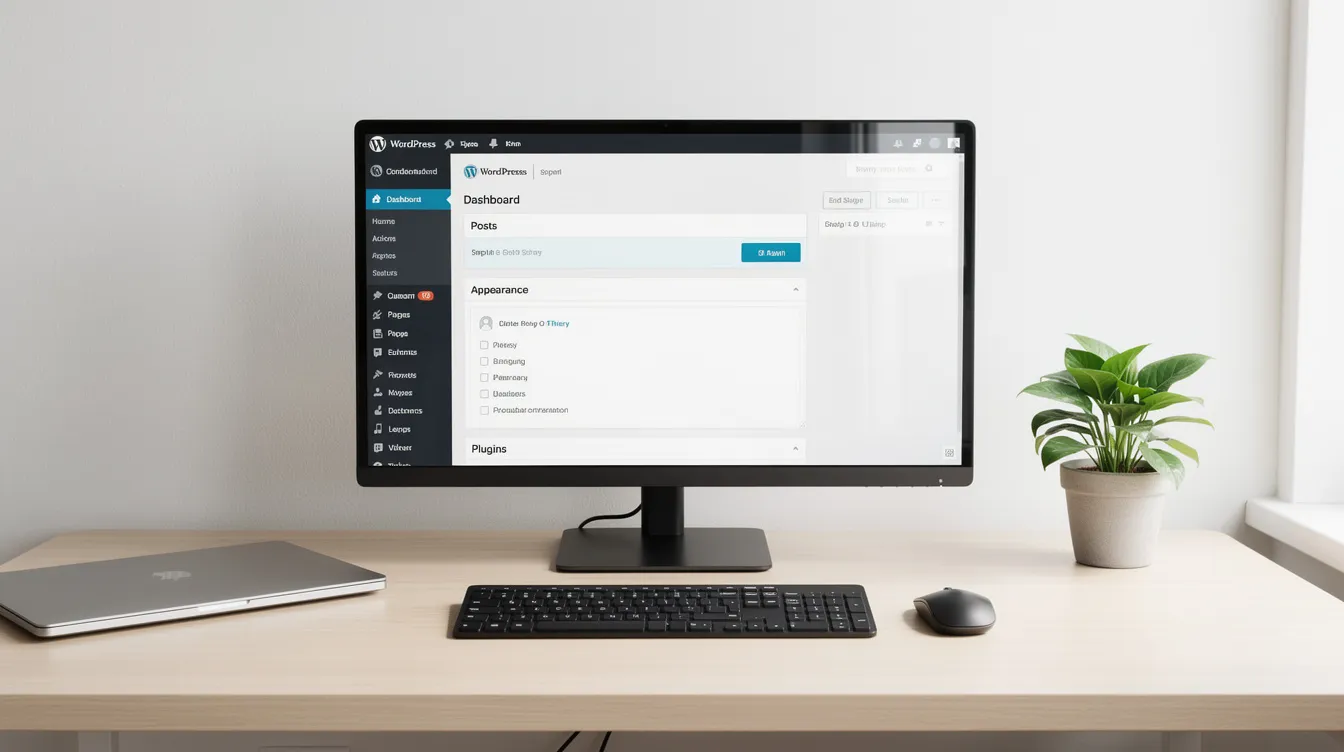
Setting up a WordPress.org site on low-cost shared hosting remains the classic “maximum control on a budget” route. WordPress offers extensive customization and is suitable for growing websites, and its huge ecosystem keeps costs low.
Why It Stands Out
Cost effectiveness is the hallmark here. Inexpensive hosting services paired with free themes and plugins can keep costs remarkably low over several years. You get near-infinite customization without platform lock-in: your content, your database, your files. This is the content management system that scales with you.
Best For
-
Bloggers and content marketers planning to publish regularly and monetize later through Google Ads, affiliate programs, or online courses.
-
Small businesses wanting room to grow into advanced SEO tools, membership features, or multilingual sites.
Key Strengths
-
Hosting plans that are cheap to start, often with first-year discounts, and with plenty of choice between providers.
-
A huge ecosystem of free themes and plugins for contact forms, SEO features, caching, and more. Using lightweight themes can improve your site’s performance significantly.
-
Full control over backups, migration, and data ownership. If you want to move hosts, you take everything with you.
-
Advanced SEO tools and plugins that give you fine control over URL structure, metadata, sitemaps, and performance, the kind of control professional websites demand.
-
Free domain registration is often included for the first year with most hosting plans.
Possible Limitations
-
Steeper learning curve versus drag and drop builders. Updates, plugin maintenance, and security patches require some technical expertise or at least willingness to learn.
-
Regular updates and website security should not be compromised for cost, because neglecting them can lead to hacked sites.
-
Add-ons like premium themes or page builders can increase total cost if not managed carefully. Excessive customization can lead to higher costs for a website.
5. All-in-One Budget Ecommerce Website
If your main goal is online sales, you need a platform built for selling, not a generic website builder with a store bolted on. Shopify describes itself as an all-in-one commerce platform, and there are alternatives for small catalogs.
Why It Stands Out
It combines storefront, payment processing, inventory management, and templates in one subscription. You can start selling on social media and marketplaces without separate complex setups, and tools for both online and offline sales are integrated from day one.
Best For
-
Product-based side hustles such as homemade goods, digital downloads, and small direct-to-consumer brands. I do not build online stores; see how I plan websites for bakeries that take orders through a tool they already use.
-
Business owners who want store-first features with e commerce capabilities instead of generic website tools.
Key Strengths
-
Beginner-friendly onboarding to list first products and accept payments quickly, often with abandoned cart recovery even on lower-tier plans.
-
Essential ecommerce tools, including shipping rules, taxes, discount codes, and customer management, built in from the start. This is what separates a real e commerce store from a website with a “buy” button.
-
Plans that range from small to large depending on volume and billing cycle. Free website options are available for some platforms if you want to test with zero commitment.
-
Powerful features for inventory management, order tracking, and multi-channel selling.
Possible Limitations
-
Transaction fees or higher tier requirements for advanced features can push costs above “budget” territory.
-
Less suitable if the goal is primarily blogging or content rather than selling, since pricing plans are oriented toward ecommerce websites.
-
Paid plans start higher than most other budget website options on this list.
6. Simple One-Page Budget Website Platforms
Sometimes all you need is a single, well-designed page. One page websites are the digital equivalent of a business card: fast, focused, and dirt cheap. These platforms are optimized for minimal sites with rock-bottom pricing.
Why It Stands Out
Ultra-fast setup: pick a template, add your copy and images, and publish in an afternoon. The website building process is stripped down to essentials, which is exactly the point. For a “digital business card” style site, you don’t need a complex content management system.
Best For
-
Freelancers, personal brands, or event-specific landing pages.
-
Test campaigns and MVPs that don’t yet justify a full multi-page existing website.
-
Anyone who wants a professional looking website with almost zero time investment.
Key Strengths
-
Low annual costs, often including a domain, which is affordable pricing at its most extreme.
-
Built-in contact forms and basic analytics without extra integrations or third party tools.
-
Clear, highly focused layouts that work well on mobile.
-
Many one page websites start with a free plan and move to a starter plan only when you need more.
Possible Limitations
-
Limited navigation and structure, so it’s not ideal for content-heavy sites or anyone needing more than basic features.
-
May need migrating later when the business outgrows a single page and requires a full business website.
-
Limited features mean you’ll eventually hit a ceiling on what you can do.
7. Budget Website via Hosting + Simple Site Builder
Several hosting providers bundle a basic site builder with their hosting plans, keeping everything, including domain, email, builder, and hosting, under one roof. These bundles usually come with a drag-and-drop interface aimed at non-technical users.
Why It Stands Out
You get low-cost web hosting combined with a drag and drop editor built for non-technical users. The key advantage: you can later switch from the bundled builder to full WordPress on the same host if your needs grow, giving you a built-in upgrade path.
Best For
-
Cost-sensitive small businesses that still want a path to more advanced setups later.
-
Users who prefer traditional hosting services but don’t want to hand-code anything.
Key Strengths
-
Intro pricing plans with promos for the first year, so check what the renewal looks like.
-
Basic templates, contact forms, and SEO tools integrated into the builder, with robust features for the price.
-
Email accounts and domain management often included in one dashboard, reducing the need for separate domain registration services.
-
Free hosting is sometimes offered on starter plan tiers with limited storage.
-
Drag and drop functionality that gets you a starter plan site without any coding.
Possible Limitations
-
Site builders bundled with hosts may feel less polished than dedicated standalone builders.
-
Performance and customer support quality vary significantly between hosts, and a site’s performance on cheap shared hosting can lag during traffic spikes.
-
Renewal pricing after promo periods can be jarring, and premium plans at renewal can cost several times the introductory rate.

Quick Comparison of the Best Budget Website Paths
Here is a scan-friendly summary to help you match your situation to the right approach. Each path serves a different priority:
-
AI website builder - Best for owners who want a done-for-you site this week with minimal manual design work.
-
Free-tier drag-and-drop builder - Best for hobbyists or side hustlers testing ideas with nothing upfront.
-
Design-focused creative platform - Best for portfolios and visual brands that need a premium look on a mid-range budget.
-
Budget WordPress + shared hosting - Best for content-heavy sites and long-term growth on a tight monthly budget.
-
Starter ecommerce platform - Best for small online stores that need checkout, shipping, and tax tools baked in.
-
One-page site builders - Best for ultra-lean, single-page presence or simple campaigns.
-
Host-bundled site builders - Best for users wanting one provider for hosting, domain, email, and a simple builder with room to upgrade.
How to Choose the Right Budget Website Approach
There’s no single “cheapest is best” answer. The best budget website for you depends on your strategy, timeline, and growth plans, not only the monthly price tag. A budget website can run out of money on extras when a solid template would have done the job. Prioritizing essential website features can reduce costs without sacrificing quality.
Choose Based on Your Total Budget (First 12 Months)
Set a reasonable budget for a small business website to cover essential costs, then match it to the right tier:
-
Ultra-lean: Shared hosting promos plus a free domain coupon, free SSL, and free themes or plugins. A free plan on a builder with platform branding costs nothing until you’re ready for a custom domain.
-
Frugal: More realistic once renewal pricing kicks in. AI builders and mid-range hosting plans live here, plus a domain.
-
Still-budget but flexible: Adds room for premium plans, more pages, light ecommerce features, or better performance. Design-focused platforms and managed WordPress hosting fall into this range.
Remember: introductory hosting rates often increase significantly after the initial term. Always factor renewals, domains, email, and any essential apps into your math. The affordable website builder you choose in month one might not feel affordable in month thirteen if you didn’t check renewal rates. My pricing page shows what a done-for-you site costs, if you would rather skip the setup.
Choose Based on Time and Technical Comfort
The divide is simple: “done in a weekend with AI or drag and drop” versus “more setup now, more control later” with WordPress.
If you’re non-technical and want your site live this week, stick to AI builders or simple drag-and-drop platforms. The website creation process on these tools requires no technical expertise, and most platforms guide you step by step. Basic SEO practices for search engines can be managed without hiring expensive agencies when you use the built-in SEO tools these platforms provide.
If you’re moderately technical or willing to learn, WordPress on budget hosting gives you the most powerful features for the money. The trade-off is ongoing maintenance: updates, backups, and security patches are your responsibility on self-hosted WordPress, while they’re handled automatically on hosted builders.
Choose Based on Your Business Model and Goals
Different business models have different website needs. Here is how to match them:
-
Service-based businesses (consultants, agencies, local services): A brochure site of a few pages is enough. An AI builder or drag-and-drop platform handles this perfectly. Focus on clear contact forms, your service list, and social media links.
-
Online stores: You need e commerce capabilities from day one: cart, checkout, inventory management, shipping. An entry-level ecommerce platform like Shopify makes more sense than bolting a store plugin onto a generic builder. This is where it’s worth spending slightly more.
-
Content creators and bloggers: WordPress on budget hosting is the strongest path. The plugin ecosystem for SEO, caching, email marketing tools, and monetization (Google Ads, online courses, affiliate links) is very large. High-quality writing often does more for readers than flashy designs.
-
Portfolios and creative brands: A design-focused platform delivers the visual impact you need. The templates handle the heavy lifting so you can focus on showcasing your work rather than fiddling with layout code.
Developing websites in phases allows for quicker launches and lower initial costs. Start with the essentials, then add social media posts integration, marketing tools, analytics tools, or an online store as revenue grows.
Which Budget Website Option Is Best for You?
Here is your decision cheat sheet:
-
Choose an AI website builder if you need a professional multi-page site live this week with minimal manual work. Ideal when time matters more than granular control.
-
Choose a free-tier drag-and-drop builder if you’re experimenting or building a personal project and want to start at zero. The best cheap website builder is one that lets you validate an idea before you spend.
-
Choose a design-focused platform if brand aesthetics are critical and you can afford a mid-range monthly fee. Good templates make professional websites accessible to non-designers.
-
Choose WordPress on budget hosting if you’re comfortable learning basic tech and want maximum flexibility long-term. This is the path for business owners who plan to scale content or features aggressively.
-
Choose an entry-level ecommerce platform if your main goal is selling products with built-in checkout, shipping tools, and inventory management. Don’t force a generic builder to do an ecommerce platform’s job.
-
Choose a one-page builder if all you need is a focused landing page or digital business card. Sometimes the simplest approach wins.
-
Choose a host-bundled builder if you want one provider for hosting, domain, free hosting on a starter plan, email, and a simple builder that you can upgrade from later.

Final Thoughts on Building a Budget Website in 2026
“Budget” doesn’t have to mean “cheap-looking” in 2026. Modern tools, from AI-powered builders to polished template platforms to rock-bottom shared hosting, make professional websites genuinely affordable for small businesses. Budget websites can be effective when strategic trade-offs are made: spend on what matters (clean design, reliable hosting, solid content) and skip what doesn’t (excessive customization, features you won’t use for months, premium plugins you don’t need yet).
Balance price, time, and growth plans rather than fixating on the lowest monthly fee. High-quality writing often matters more than flashy design elements. Developing your site in phases allows for a quicker launch and lower initial costs, and you can always improve the site for search engines, or add social media integration, or an online store later. Use the affordable pricing and powerful features available today to get started, then iterate as revenue or traction grows.
Here’s your next step: pick one path from this guide today, outline your pages and content this weekend, and aim to have a basic budget website live within the next seven days. If you want a hand, send me a note on the contact page. The best website is the one that actually exists, and in 2026 there’s no reason it can’t exist on a budget.