Hotels, salons, studios, tour operators, and clinics all live or die by how easy it is to book. In this guide I cover the features a booking website needs, examples of good booking journeys, how to pick templates, and the steps to create and launch your own site.
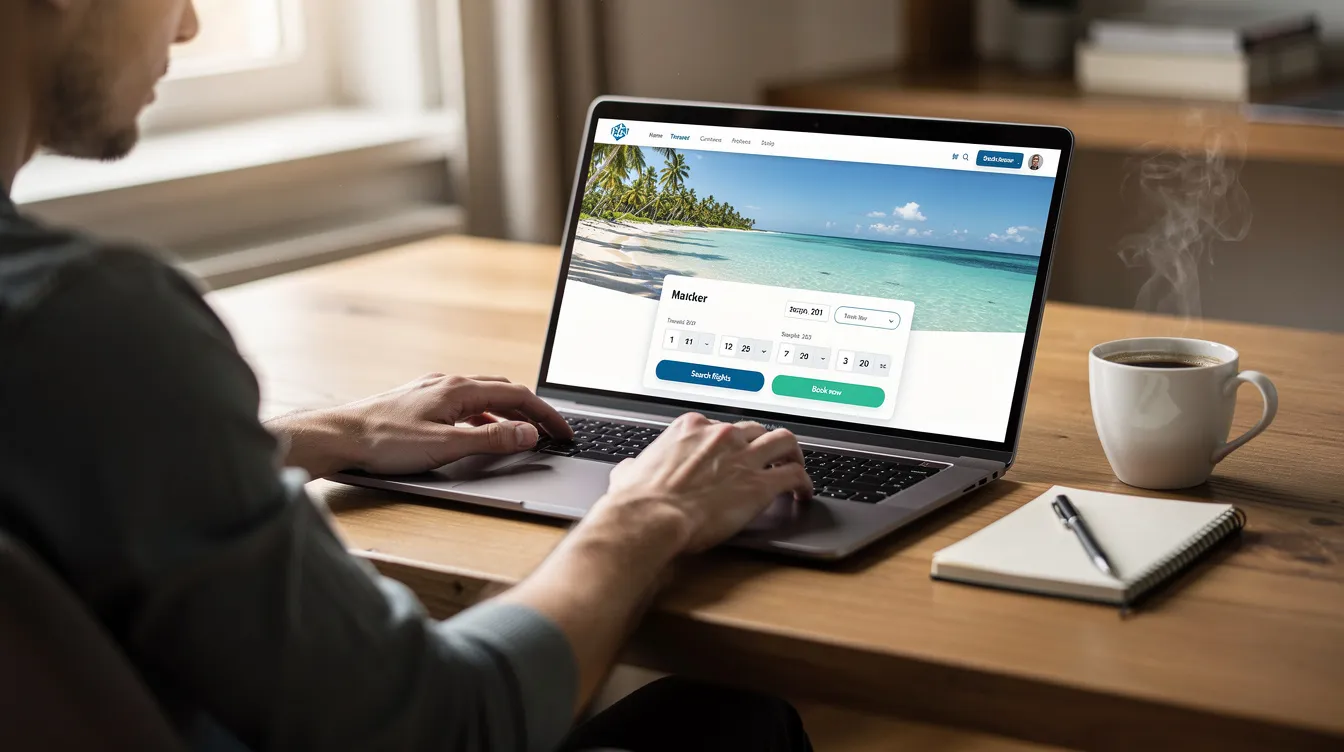
What Makes a Good Booking Website Design?
Know who books with you
Before you choose templates or colors, figure out who your customers are. A travel agency serving luxury travelers needs a different look and tone than a gym booking site for local members. Think about age, the devices people use, and how far ahead they book. Travelers rarely know every detail before they visit, so a travel agency booking website should help them discover options and find inspiration. A salon client usually knows exactly what they want and only needs a free time slot.
Map the booking journey
Map the path from your home page to the confirmation email. The core flow usually looks like this:
-
Landing page: browse or search services, rooms, or classes
-
Select dates or services: see availability and pricing
-
Review details: pay or confirm, then get a confirmation
Each extra step or form field makes more people give up. Add a clear search bar so visitors can filter by date, service, or locations. Offer instant booking for fixed services and an inquiry form for custom requests, so you serve both kinds of customers.
Design for small screens first
Many visitors will see your booking website on a phone, so design for small screens first. Keep the menu short, use large calendar buttons that are easy to tap, and ask only for the details you really need at checkout. Every extra step or form field is one more reason to give up, so limit top-level navigation to essential links and keep visitors focused on booking. A clean layout with plenty of space works better than a crowded page on any of the screens your customers use.
Booking System Features to Look For
The Perfect Solution to Start: Booking Website Templates
The fastest way to launch a booking website is to start from templates built for your industry, whether that is hospitality, wellness, beauty, or education. Good booking templates already include service pages, a calendar, and a checkout flow, so you only add your content. Many builders offer free templates for hotels, salons, fitness classes, and tours. Free templates are a fine way to test ideas, but change the colors, images, and text so your site does not look like everyone else’s.
When you compare templates, check that they:
-
Look good on phones and tablets, not only on desktop screens
-
Include a booking calendar that syncs with your own calendar
-
Let you add staff profiles, rooms, or class schedules
-
Have space for large images of your place and your work
-
Load fast, even with a gallery of images
Service and pricing setup
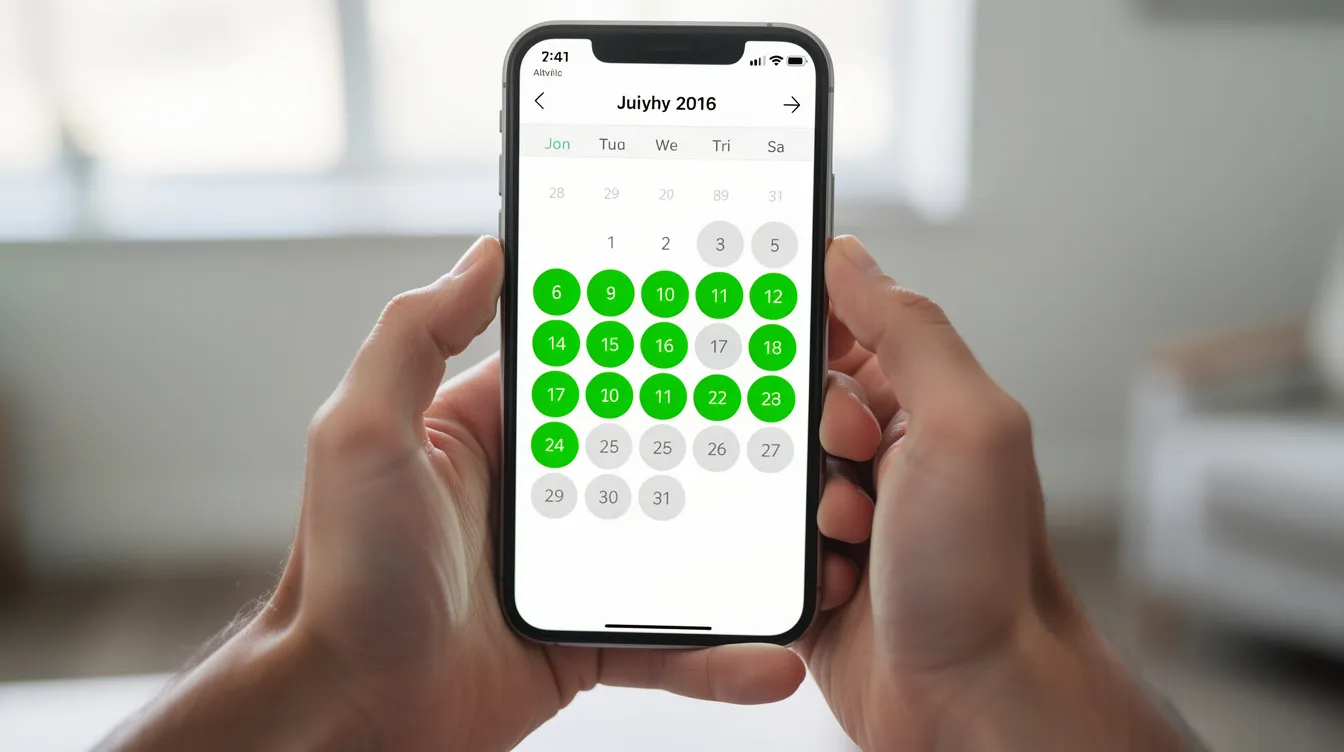
Your booking system should let you set service types, durations, capacity limits, and different prices for weekdays, weekends, or peak dates. You should be able to add extras, such as a longer massage or late checkout, right inside the flow. Show the full price, taxes, and fees before payment, so nobody gets a surprise at checkout.
Calendar sync and live availability
Live availability prevents double bookings. Embed the calendar on your own pages so visitors stay on your site, and sync it with the calendars you and your staff already use. If you sell tours or rooms through other channels, connect them so a sold-out date disappears everywhere at once.
Booking features that matter most
| Feature | Why it matters |
|---|---|
| Real-time availability | Instant confirmation and no double bookings |
| Online payments and deposits | Secure checkout with major cards builds confidence before a customer pays |
| Automated reminders | Email or text reminders before the appointment reduce no-shows |
| Customer account | Returning clients can sign in, rebook, and see past visits |
| Clear cancellation rules | A visible policy and real reviews build trust |
Back it all up with security basics: SSL, regular backups, and a payment provider that handles card data for you.
Booking Website Examples by Industry
Different businesses need different booking journeys. These examples show what to plan for.
-
Hotels and vacation rentals need room inventory, large images, rate rules, and screens for choosing dates. Show what each stay includes, night by night, so guests know what they pay for.
-
Wellness and beauty businesses need staff profiles, service durations, buffer time between clients, and repeat bookings.
-
Fitness classes and events need class schedules, package passes, waiting lists, and group limits.
-
Restaurants need table reservations with party size and time, plus a simple way to change or cancel.
-
Tours and travel need day-by-day itineraries, group sizes, and deposits.
-
Consultants and creatives need a calendar for calls, a short intake form, and a clear price list.
If you run a short-term rental, my page for vacation rentals shows how a direct booking site can look. For studios and classes, see the page for gyms.
Clear calls to action
Every page should lead to a booking. Use high-contrast buttons such as “Book Now” or “Check Availability” near the top of the page, and repeat them on key pages. Real photos and a simple map help visitors picture their visit and push them closer to clicking.
Booking Website Design Tips for More Revenue
These website design tips apply to most booking sites. Each one is small, but together they can boost bookings and revenue.
-
Make the homepage do one job. Put a stunning photo, one headline, and a “Book Now” button at the top. Visitors should see what you offer and where to book in five seconds.
-
Keep a simple structure. Services, prices, about, FAQs, and contact. A clear structure helps visitors find what they need and helps search engines understand your pages.
-
Use consistent typography and colors. Two fonts and one accent color for every button make the site feel calm and trustworthy. Customize the template so it fits your brand, not the other way around.
-
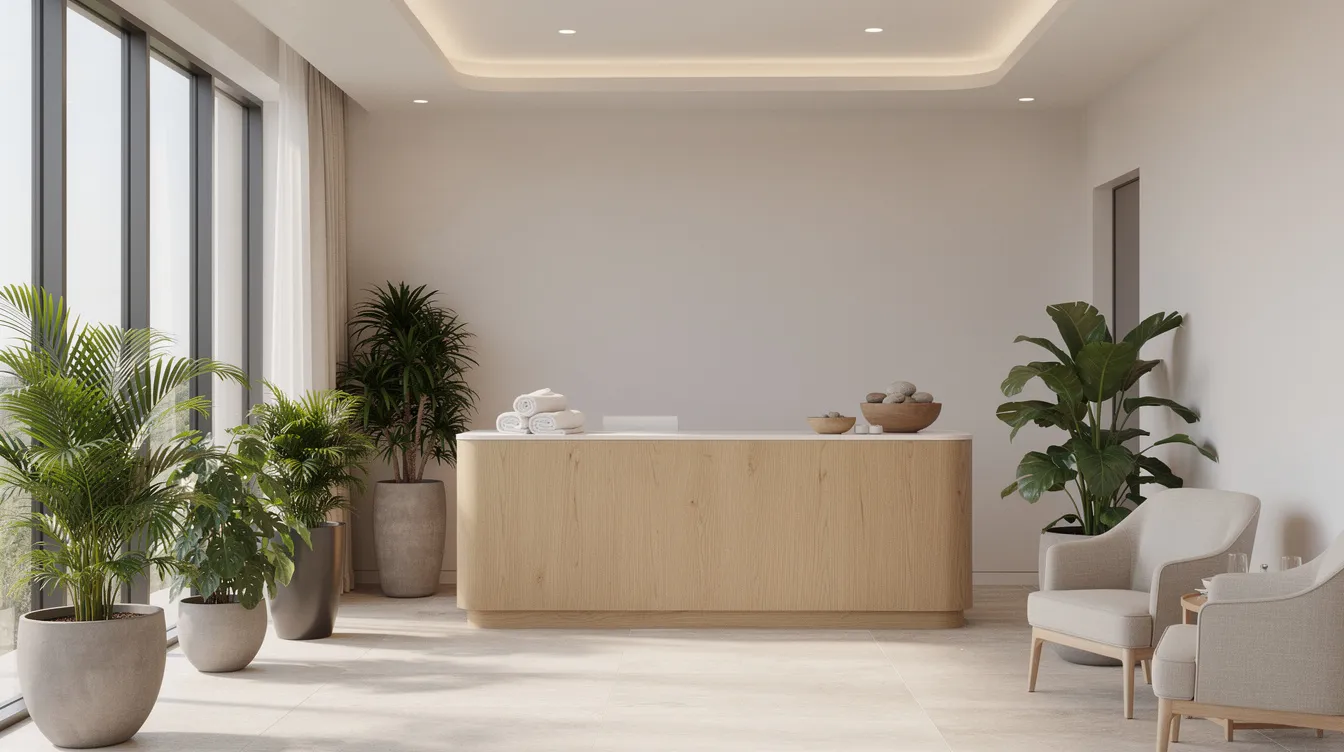
Show real life. Photos of your rooms, your chairs, your studio, or your team at work beat stock images. Look at other booking websites for inspiration, then use your own images.
-
Let visitors view prices early. Hidden prices stop people from booking. Show a price list or a “from” price on every service.
-
Turn questions into leads. A short inquiry form next to the calendar catches people who are not ready to book yet. One email back can turn them into bookings.
-
Learn from your data. Check which pages visitors leave from and fix those first.
A travel agency website, a wellness center, and a design company all follow these rules. Agencies with many tours need more filters; a solo practitioner needs fewer components. Pick the parts that fit your business and leave out the rest.
Marketing Tools That Bring More Bookings
Email reminders and follow-ups
Automatic emails for confirmations, reminders, and unfinished bookings are some of the most useful marketing tools for a booking business. A short reminder to someone who left the checkout can bring them back.
Reviews from real clients
Show real reviews and any industry memberships on your service pages. Ask for a review automatically after each stay or appointment. Social proof is one of the fastest ways to build trust with new visitors.
Offers that reward direct bookings
Early-bird deals, seasonal packages, and promo codes inside the booking flow give people a reason to book now. If you also list on third-party platforms, give customers a reason to book directly on your own site.
How to Create a Booking Website
Step 1: Choose templates for your industry
Pick templates that match your business type. Hotels and rentals need image-heavy layouts with a calendar. Service businesses need staff profiles, schedules, and clear service pages. Look for templates with a booking engine built in, so you do not need a separate plugin. Most builders let you start free, so try two or three free templates before you upgrade to a paid plan. Sign up with a free account, select a template, and add one real service to see how the booking flow works.
Step 2: Set up your services
Add every service, room, or class with its duration, capacity, and price. Set seasonal rates, extras, and minimum stays where they apply. For classes, set group limits and repeat schedules.
Step 3: Make it match your brand
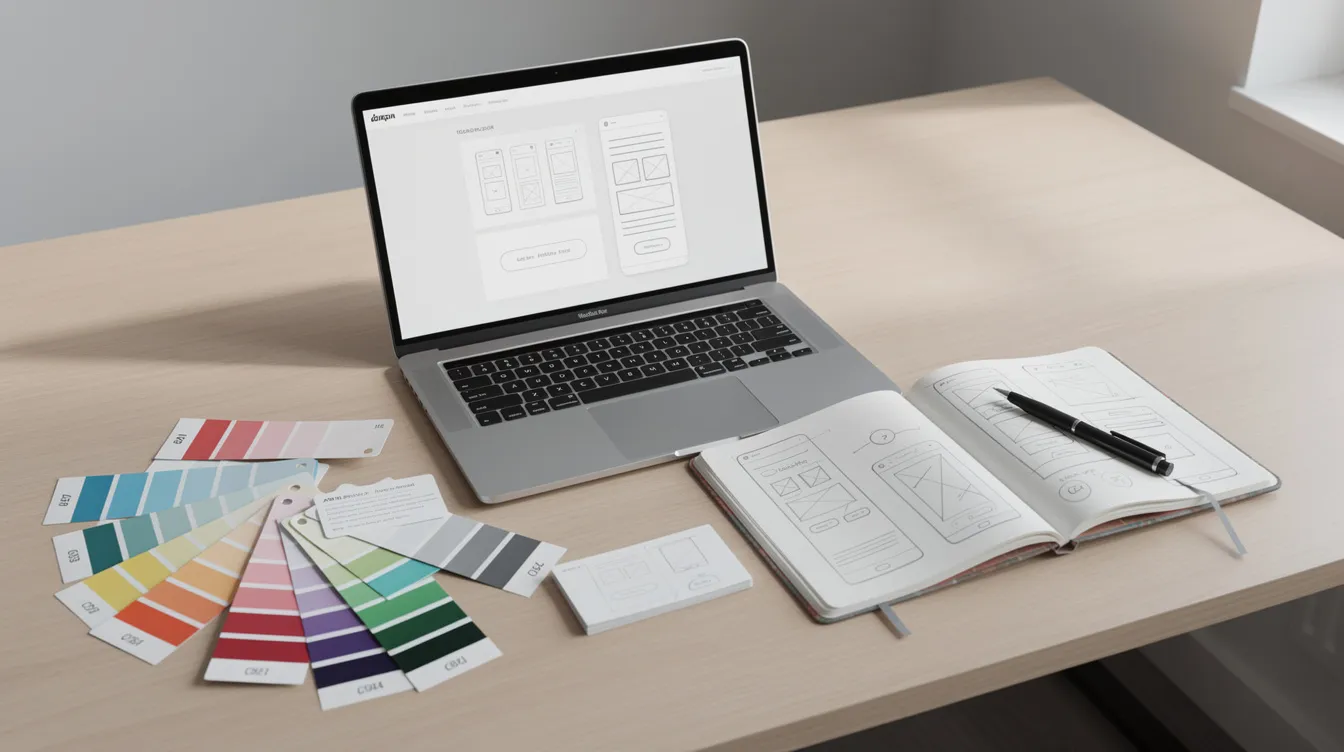
Go beyond the template defaults. Customize the brand colors, consistent typography, and real images inspired by your place and your clients. A luxury resort and a neighborhood barber need very different design ideas, so let your brand guide every choice.
Step 4: Launch and test
Before you go live:
-
Connect your own domain name so the site looks professional and is easy to find
-
Set up SSL and your payment provider
-
Add a privacy policy and terms of service
-
Give each service or package page a clean URL and a clear title for search engines
-
Test the full flow, from search to confirmation, on a phone and a laptop
-
Set up analytics so you can see where visitors drop off
When to Get Help With a Booking Website
Free templates, free trials, and free booking tools make it possible to launch a simple booking site on your own, and a free plan is a good way to test a booking website design project before you pay. Hire help when you need custom booking rules, many locations, or a design that has to stand apart from local competitors. I design small business websites, including booking pages connected to the scheduling tool you already use. You can see what is included on my pricing page, or tell me about your project through the contact page.
A strong booking website design does not need every feature you can find. Choose the right parts for your audience, keep the path to booking short, and back it with trust signals that make visitors ready to pay.