Start Here: What’s the Best Way to Design a Website Today?
Three paths exist for building a new website, and each fits a different situation.
Hosted website builders like Wix and Squarespace bundle web hosting, templates, and drag and drop functionality into a single subscription. They require no programming languages knowledge, and small business owners can often launch a simple site within a weekend. If you need online stores, Shopify follows the same bundled model with ecommerce-specific features.
Content management systems like WordPress run a large share of the web. WordPress is the right platform when you need a blog with hundreds of posts, multi-author publishing, or deep search engine optimization control. CMS platforms like WordPress allow extensive customization options through themes and plugins, but they come with a steeper learning curve and separate hosting costs.
Hiring a web developer makes sense for web apps, marketplace platforms, or designs that no template can replicate. Custom-coded sites use HTML, CSS, JavaScript, or frameworks like Next.js and Astro. The trade-off is higher cost and longer timelines.
I design websites for small businesses, and this guide follows these steps: planning and wireframing, visual web design, mobile responsiveness, SEO, launch, and ongoing improvement. The advice applies whether you want to create your own website from scratch or refresh an existing business website.
Key takeaways before you begin:
-
Define your website’s goals before starting the design process.
-
Choosing the right platform affects website functionality down the line.
-
A user-friendly website minimizes friction for visitors to find information quickly.
-
Launch is the starting line, not the finish line; plan to test and iterate.
Clarify Your Goal, Audience, and Success Metrics Before You Design
Every design decision flows from purpose. Pick a primary goal for your site before choosing colors, fonts, or a template.
-
Primary goal examples: A local bakery in 2026 might focus on online orders and catering inquiries. A freelance graphic designer needs a portfolio that converts visitors into client calls. An online business selling scented candles needs product pages optimized for checkout.
-
Audience personas: Create 2 to 3 simple profiles covering age, location, device habits, and pain points. A yoga studio’s target audience might be women aged 25 to 45, mostly on smartphones, looking for class schedules and easy online booking. These personas shape layout, content tone, and navigation choices.
-
Measurable KPIs to track after launch:
-
Contact form submissions or booking requests
-
Newsletter signups
-
Online sales or average order value
-
Time on page and session duration
-
Mobile bounce rate
-
Decide on Your Platform: Website Builder vs CMS vs Custom Code
Platform choice locks in your maintenance tasks and monthly costs. Make this decision early, and decide how much control you need over code, plugins, and hosting.
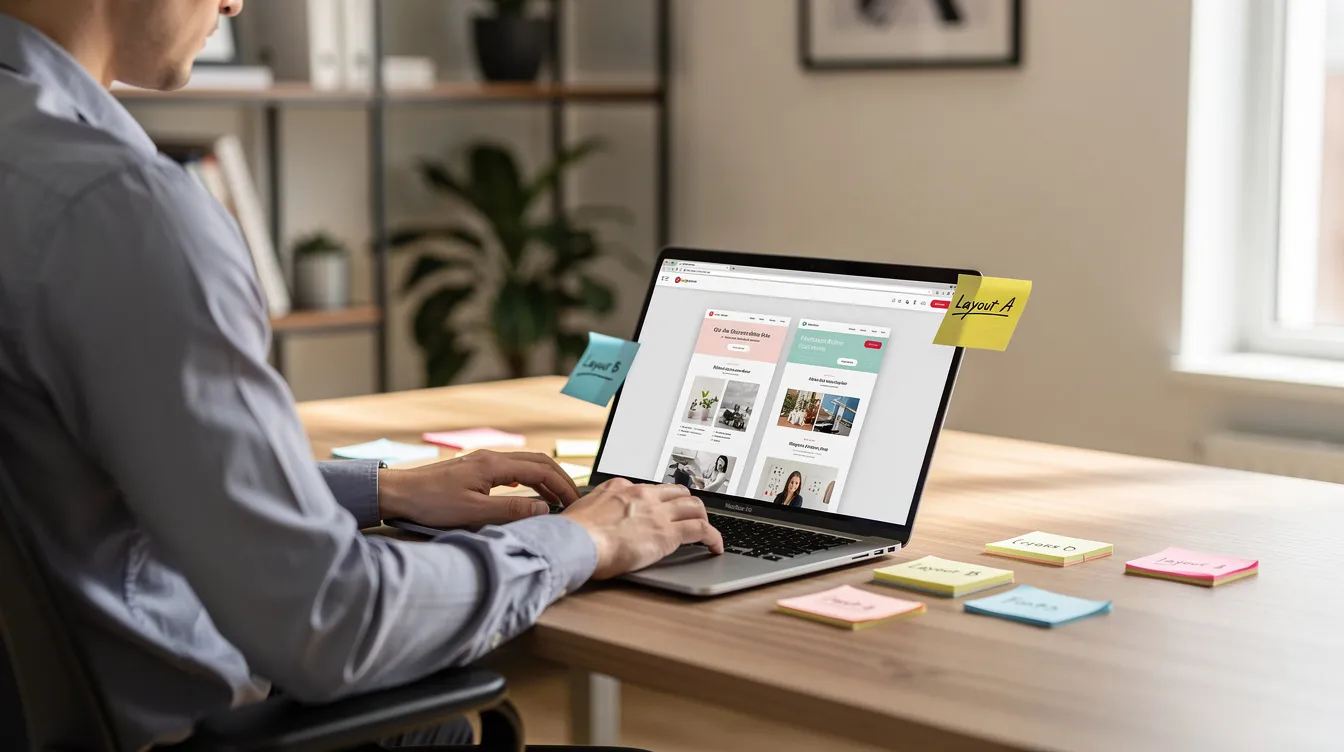
Website builders like these come with drag and drop building blocks, bundled hosting, and a library of templates suited to small businesses and personal portfolios. Many offer beautiful templates for portfolios and blogs, with integrated analytics and built-in SSL. Many website builders have a free plan or trial for testing, and an entry paid plan that connects your own domain and removes platform ads.
WordPress is better when you need full control over your website’s code, want to install specialized plugins, or plan to scale to hundreds of web pages. With WordPress you pay for web hosting, plus theme and plugin costs, and the platform itself is free. Content management systems like WordPress help manage website content, but you are responsible for updates, backups, and security patches.
Custom code or hiring a web developer is the path for advanced integrations, membership platforms, or bespoke performance needs. Agency-built sites vary widely in cost depending on scope, so ask for a written quote first.
A domain name uniquely identifies your website online. Web hosting stores your website’s files for access by visitors. Both are included in most website builders’ subscriptions; for WordPress, you buy the domain and hosting separately. Register the domain in your own name so the site always stays yours. Choose a simple web design platform for better results, especially if you lack a technical background. A good domain name is short, easy to spell, and matches your business name.
Plan Your Structure: Sitemap, Page Types, and User Journeys
A sitemap is a plain list of every page on your site and how those pages connect. Mapping it out before you design prevents costly rework later.
-
Essential pages include Home, About, Services, and Contact. Most business websites also benefit from a Blog or Resources section, plus optional pages like FAQ, Pricing, or Location.
-
Sketch a simple user journey for each goal. Example for a local cleaning service: a potential customer searches “house cleaning near me,” lands on the Services page, reads pricing, clicks “Book Now,” fills out a short form, and reaches a confirmation page. This map tells you where to place each CTA and what each new page needs to contain.
-
Single-page websites work for one-offer landing pages or temporary campaigns. Multi-page sites suit content-heavy brands, online stores, and businesses with multiple services.
-
Mini sitemap example for a freelance designer: Homepage (intro, featured work, CTA) > Portfolio (case studies organized by category) > Services (Brand Identity, Web Design, Illustration; each as a separate section or page) > Blog (design tips, process breakdowns) > About (background, mission, photo) > Contact (form, email, social links). Each necessary pages grouping makes sense only if it matches how your visitors think and search.
Wireframe First: Low-Fidelity Layouts Before Pixel-Perfect Design
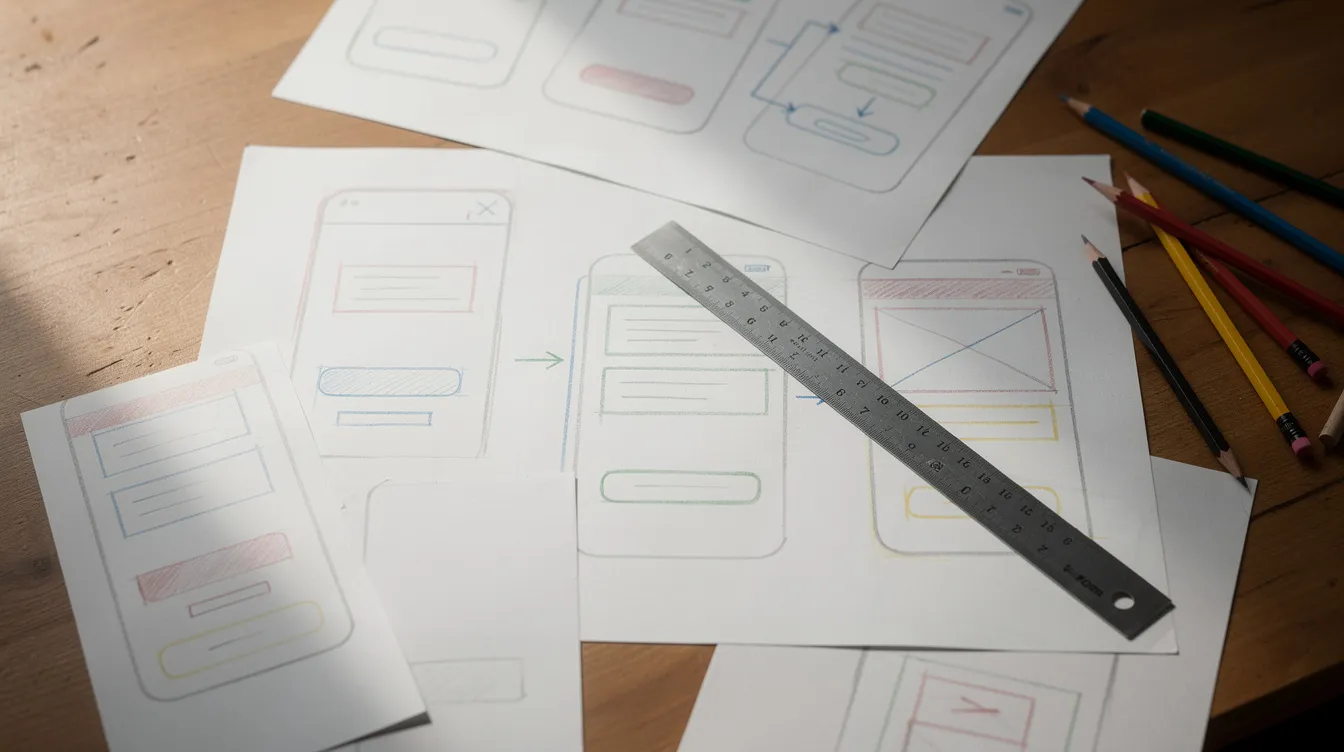
A wireframe is a simplified black-and-white sketch of a page’s layout. It shows where the header, navigation, hero area, content blocks, and footer sit, without any final colors, fonts, or images.
-
Use a tool like Figma for interactive prototypes, or start with pen and paper. The goal is to test structure before spending time on visuals.
-
Visual hierarchy in design helps users focus on important elements of a webpage first. Place your main headline and primary CTA above the fold. Position key benefits and social proof (testimonials, trust badges) where scrolling naturally leads.
-
Create separate wireframes for desktop and mobile. This bakes mobile responsiveness into the process from the start rather than treating it as an afterthought.
-
Example: A plumber’s homepage wireframe might include a top bar with phone number and “Call Now” button, a hero section with a tagline like “24-Hour Emergency Plumbing in Denver,” a grid of three core services, a row of certification badges, and a footer contact form. Blocking this out in a wireframe is quick and saves hours of redesign.
Design for Clarity: The “4 C’s” of User-Friendly Web Design
Designing a user-friendly website involves clear navigation and fast performance. The following four principles keep layouts clean and visitors focused.
-
Complexity: Remove elements that do not serve a goal. Keep your navigation menu to 5 to 7 items. Limit contact form fields to under five. Tools like Google Analytics 4 can reveal which web pages cause users to leave, so you can simplify those first.
-
Consistency: Maintaining consistent navigation reduces confusion and enhances user experience. Use the same color palette, button styles, font sizes, and spacing on every page. Even a small business benefits from a lightweight style guide that documents heading sizes, body font, and hover states.
-
Conciseness: Clear headings and well-structured content are essential for scannability on web pages. Visitors should understand your offer within five seconds of landing. Replace a vague line about legal help in a wide range of practice areas with a plain list: personal injury, family law, and wills.
-
Clearness: Generous white space improves readability and reduces cognitive load for users. Use body text of at least 16px on desktop. Buttons should have clear, action-oriented labels to guide users effectively; write “Book Now” or “Get a Quote” instead of “Submit” or “Click Here.”
Craft Your Visual Identity: Colors, Fonts, Images, and Video
Visual choices must support usability, performance, and brand identity. A beautiful website that takes ten seconds to load loses visitors before they see the design.
-
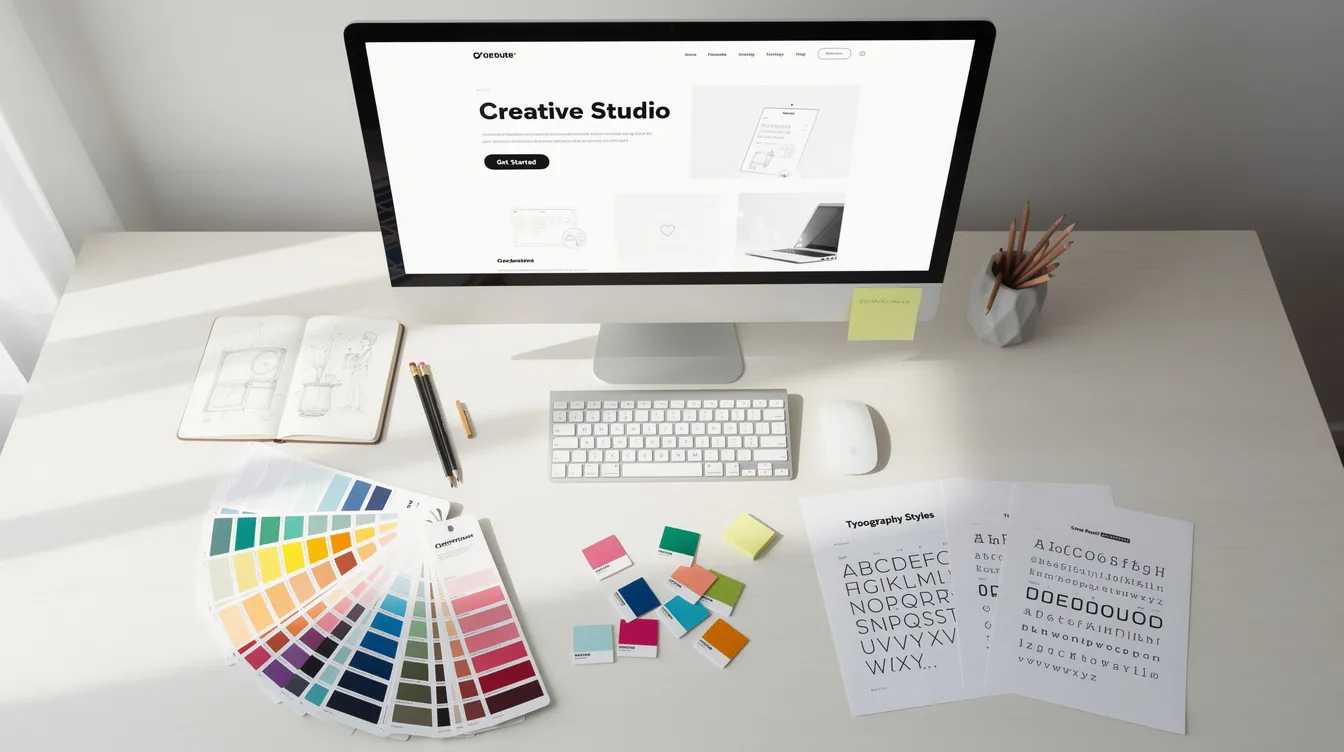
Pick a primary brand color and one or two accent colors. Use accessibility contrast checkers to verify text remains readable against backgrounds. Law firms tend toward dark blue and gray; creative studios often pair a bright accent with a neutral background. Your color palette should reflect your industry and your target audience’s expectations.
-
Stick to two font families: one for headings, one for body text. Readability improves with simple fonts and appropriate colors for text and backgrounds. System fonts load fastest because the browser has nothing to download; widely supported web fonts from services like Google Fonts are the next option.
-
Original, high-quality images build trust more than generic stock. For a new website, use real photos of your team, workspace, or products. If you rely on stock, choose from reputable libraries and avoid the cliché handshake photo.
-
Optimize images to improve website loading speed. Compress images and serve them in WebP format to cut file sizes without visible quality loss. This directly affects site speed.
-
Use video where it adds clarity: product demos, customer testimonials, short explainers. Avoid auto-play background videos on landing pages; they increase page weight and harm mobile user experience.
Make It Mobile-First and Responsive by Design
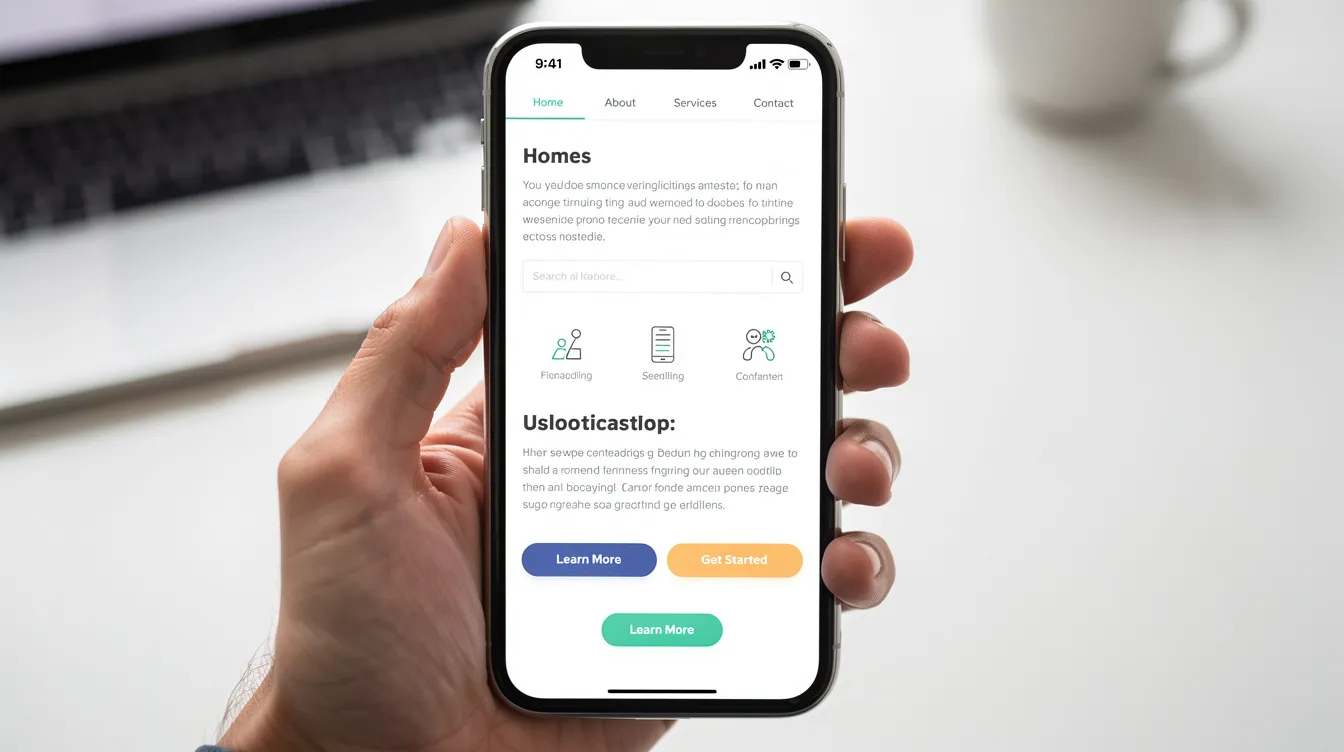
Mobile-first design is crucial because many visitors to a small business website arrive on a phone. Responsive design is not optional: your site has to work on different screen sizes, from a small phone to a wide monitor.
-
Start with the smallest screen sizes, then scale up. Prioritize core content and actions on mobile; add supplementary visual content and sidebar elements for wider screens.
-
Use flexible grids (CSS Grid, Flexbox), large tap targets (minimum 48px by 48px), and body text no smaller than 14px. Collapse long menus into hamburger or off-canvas mobile navigation.
-
Fast loading speeds can keep visitors engaged and reduce bounce rates. For a positive user experience, Google’s guidance asks websites to load their main content within 2.5 seconds.
-
Under mobile-first indexing, Google uses the mobile version of your site’s content for indexing and ranking, so keep the same content on mobile and desktop.
-
Test on at least one iOS phone, one Android phone, and a standard laptop. Use built-in browser responsive design tools to check additional screen sizes in both portrait and landscape modes.
Structure Your Content for Humans and Search Engines
Content strategy connects usability to SEO for every business website and blog. Your website’s content should answer the questions your audience is already asking.
-
Plan content around search intent. Use Google’s autocomplete suggestions, “People Also Ask” boxes, and free keyword planners to find what your target audience searches for. Build each page or blog post around a specific question or topic.
-
Use a clear heading hierarchy: one H1 per page with the primary topic, descriptive H2s and H3s to break up sections, short paragraphs, and bullet lists. Internal links between related web pages, and links from other sites, help visitors navigate and help search engines understand your site’s structure.
-
Write descriptive page titles and meta descriptions that include relevant keywords without stuffing. Add image alt text that describes what the image shows. Optimize URLs with clear, descriptive names for better SEO; “/services/web-design” is better than “/page?id=47.”
-
SEO optimization improves your website’s visibility in search engines. Build cornerstone pages (like a “Services” hub or a comprehensive guide) and link supporting blog posts to them for stronger topical authority.
-
Search engine optimization is a long game. Publish useful content regularly and update content on existing pages to keep it accurate. Other websites linking to your content will strengthen your domain’s authority over time.
Design the Critical Pages: Home, About, Services, and Contact
Not all pages carry equal weight. For most small businesses and personal brands, four pages do the heaviest conversion work.
-
Home page: Place a clear value proposition above the fold. Include a primary CTA (“Get a Quote,” “Book a Class”), 3 to 5 key benefits in bullet or icon form, a brief service overview, and a trust section with client logos, star ratings, or short testimonials. The homepage is not the place to tell your full story; it is a signpost that routes visitors to the right page.
-
About page: Tell a concise story with specific dates or milestones. “Founded in 2019 by a licensed electrician with 12 years of field experience” is more credible than a vague line about passion. Include team photos and a secondary CTA like “Meet the Team” or “Book a Call.”
-
Services or Products pages: Give each core service or product category its own page. List who it is for, what is included, pricing or a price range, and 2 to 3 FAQs. For online stores, add high-quality images, specs, and customer reviews.
-
Contact page: Keep the form simple; ask only for name, email, and message. Display your business email, phone number, website’s address if physical, and embedded map if relevant. Link to active social profiles. State your response time: “Replies within one business day” sets clear expectations and makes it easy for visitors to reach a human.
Balance Performance, Accessibility, and Security
A modern site must load fast, work for all users, and protect visitor data.
-
Performance: Compress images to improve website loading speed. Enable caching to speed up website loading times. Limit heavy third-party scripts. Aim for Largest Contentful Paint (LCP) under 2.5 seconds and Cumulative Layout Shift (CLS) under 0.1. The median mobile homepage weighed 2.56 MB in 2025; keeping yours lighter gives you an edge in loading speed.
-
Accessibility: Accessibility includes providing alt text for images and ensuring sufficient color contrast. Use a contrast ratio of at least 4.5:1 for normal text (WCAG 2.1 AA). Ensure keyboard navigability and meaningful link text (“See pricing plans” rather than “click here”). Many websites still fail basic accessibility checks, so following the guidelines puts you ahead of most other websites.
-
Security and privacy: HTTPS is the default for most hosting providers and website builders in 2026. Keep themes and plugins updated on CMS platforms. Use strong admin passwords and enable multi-factor authentication. Add a simple cookie consent notice wherever tracking or analytics tools are active.
-
These improvements reduce bounce rates, support better SEO rankings, and build visitor trust, especially on mobile where performance gaps are most noticeable.
Test, Iterate, and Improve After Launch
Launch is the starting line. The website building process continues with testing, measurement, and refinement.
-
Pre-launch checklist: Test each page in different browsers before launching. Check every link, form, and checkout flow on Chrome, Safari, and Firefox. Test your website in different browsers on both mobile and desktop. Share the website draft with trusted friends for feedback. Testing with real users helps identify usability issues during the website design process that you might overlook.
-
Speed check: Check website speed using tools like Google PageSpeed Insights. Fix the top recommendations, which usually involve image compression, unused JavaScript, or render-blocking resources.
-
DNS note: DNS propagation can take 24 to 48 hours after launch, so do not panic if your site is not immediately visible to everyone.
-
Analytics setup: Use Google Analytics to monitor website performance. Monitor website performance using analytics tools post-launch. Heatmap tools like Microsoft Clarity (free) show where users scroll and click, revealing which sections get attention and which get skipped.
-
A/B testing: Once your site receives hundreds of weekly visits, run small tests on key elements: hero headline copy, button text, form placement. Change one variable at a time and measure conversion impact.
-
Ongoing maintenance: Schedule monthly content refreshes, quarterly design reviews, and an annual accessibility and performance audit. Update content to reflect new services, pricing, or seasonal offers. Regular upkeep is less time consuming than a big rebuild every few years.
When a Website Builder Is Enough and When to Hire a Web Developer
Many readers can create a professional site using today’s tools. Some situations, however, call for expert help.
A website builder is enough when:
-
You need a simple brochure site or one page portfolio
-
A template from the right website builder closely matches your brand needs
-
Your budget only covers a monthly builder plan
-
You are willing to follow a step by step guide and learn as you go
Hire a professional when:
-
Your site requires custom integrations (membership systems, booking engines, marketplaces)
-
Brand identity demands a design no template can deliver
-
Legal or policy requirements mandate accessibility compliance
-
You need to handle thousands of products or high traffic spikes
How to choose the right pro:
-
Review their portfolio for projects in your industry
-
Confirm they understand responsive design, website speed optimization, and SEO fundamentals
-
Establish a clear scope: number of pages, features, timeline, and costs for website development, hosting, and ongoing maintenance
You can start with a simple builder site using the right tools available today. Simply click “publish,” validate the site with real users, and bring in a web developer or designer later when the business grows and needs outpace what a template can deliver.
Website Building for a Small Business
For a small business, the website building process is shorter than most owners expect. Website builders like the ones above make a beautiful website possible without code, and a drag and drop editor lets you create and move sections in minutes. A clear plan, five core pages, real photos, and a fast, mobile-friendly layout cover most needs. The hard part is usually the text, not the code.
If you would rather not spend weekends on it, I build small business sites by email. You can see what a site needs for moving companies or gyms, check my pricing, or write to me through the contact page with more detail about your business.